

埋め込み写真選択ツール: アプリ内で写真や動画を非公開でリクエストする、よりシームレスな方法

Android 写真選択ツールを新たに活用して、アプリのユーザー エクスペリエンスを向上させましょう。新しい埋め込み写真選択ツールを使用すると、ユーザーはアプリのインターフェース内で、プライバシーを重視したシームレスな方法で写真や動画を選択できます。アプリで写真選択ツールを利用するのと同じメリット(クラウド コンテンツへのアクセスなど)を、アプリのエクスペリエンスに直接統合して利用できるようになりました。
エンベデッドのメリット
多くのアプリで、写真や動画を選択する際にユーザーに高度に統合されたシームレスなエクスペリエンスを提供したいと考えていることは承知しております。埋め込み型の写真選択ツールは、まさにそのために設計されています。ユーザーはアプリを離れることなく、最近の写真にすばやくアクセスできます。また、お気に入りの写真やアルバム、検索機能など、好みのクラウド メディア プロバイダ(Google フォトなど)のライブラリ全体を閲覧することもできます。これにより、ユーザーはアプリを切り替えたり、目的の写真がローカルに保存されているかクラウドに保存されているかを気にしたりする必要がなくなります。
シームレスな統合、プライバシーの強化
埋め込みの写真選択ツールを使用すると、ユーザーが実際に何かを選択するまで、アプリはユーザーの写真や動画にアクセスする必要がなくなります。これにより、ユーザーのプライバシーが向上し、エクスペリエンスが合理化されます。また、埋め込み写真選択ツールでは、ユーザーはクラウドベースのメディア ライブラリ全体にアクセスできますが、標準の写真権限はローカル ファイルのみに制限されます。
Google メッセージに埋め込まれた写真選択ツール

Google メッセージは、埋め込み写真選択ツールの機能を活用しています。統合方法は次のとおりです。
- 直感的な配置: 写真選択ツールはカメラボタンのすぐ下に配置され、ユーザーは新しい写真を撮影するか、既存の写真を選択するかを明確に選択できます。
- 動的プレビュー: ユーザーが写真をタップすると、すぐに大きなプレビューが表示され、選択内容を簡単に確認できます。写真の選択を解除するとプレビューが消え、すっきりとした表示になります。
- コンテンツをさらに表示: 最初のビューが簡素化され、最近の写真に簡単にアクセスできるようになりました。ただし、ユーザーは写真選択ツールを簡単に展開して、ライブラリ内のすべての写真や動画(Google フォトのクラウド コンテンツを含む)を閲覧して選択できます。
- ユーザーの選択を尊重する: 埋め込み写真選択ツールは、ユーザーが選択した特定の写真や動画へのアクセス権のみを付与します。つまり、写真や動画の権限のリクエストを完全に停止できます。また、ユーザーが写真や動画への制限付きアクセスのみを許可した場合の処理をメッセージ アプリで行う必要もなくなります。

実装
写真選択ツール Jetpack ライブラリを使用すると、埋め込みの写真選択ツールを簡単に統合できます。
Jetpack Compose
まず、Jetpack Photo Picker ライブラリを依存関係として追加します。
implementation("androidx.photopicker:photopicker-compose:1.0.0-alpha01")
EmbeddedPhotoPicker コンポーザブル関数は、埋め込み写真選択ツール UI を Compose 画面に直接含めるメカニズムを提供します。このコンポーザブルは、埋め込み写真選択ツール UI をホストする SurfaceView を作成します。EmbeddedPhotoPicker サービスへの接続を管理し、ユーザー インタラクションを処理し、選択したメディア URI を呼び出し元アプリに伝えます。
@Composable
fun EmbeddedPhotoPickerDemo() {
    // We keep track of the list of selected attachments
    var attachments by remember { mutableStateOf(emptyList<Uri>()) }

    val coroutineScope = rememberCoroutineScope()
    // We hide the bottom sheet by default but we show it when the user clicks on the button
    val scaffoldState = rememberBottomSheetScaffoldState(
        bottomSheetState = rememberStandardBottomSheetState(
            initialValue = SheetValue.Hidden,
            skipHiddenState = false
        )
    )

    // Customize the embedded photo picker
    val photoPickerInfo = EmbeddedPhotoPickerFeatureInfo
        .Builder()
        // Set limit the selection to 5 items
        .setMaxSelectionLimit(5)
        // Order the items selection (each item will have an index visible in the photo picker)
        .setOrderedSelection(true)
        // Set the accent color (red in this case, otherwise it follows the device's accent color)
        .setAccentColor(0xFF0000)
        .build()

    // The embedded photo picker state will be stored in this variable
    val photoPickerState = rememberEmbeddedPhotoPickerState(
        onSelectionComplete = {
            coroutineScope.launch {
                // Hide the bottom sheet once the user has clicked on the done button inside the picker
                scaffoldState.bottomSheetState.hide()
            }
        },
        onUriPermissionGranted = {
            // We update our list of attachments with the new Uris granted
            attachments += it
        },
        onUriPermissionRevoked = {
            // We update our list of attachments with the Uris revoked
            attachments -= it
        }
    )

       SideEffect {
        val isExpanded = scaffoldState.bottomSheetState.targetValue == SheetValue.Expanded

        // We show/hide the embedded photo picker to match the bottom sheet state
        photoPickerState.setCurrentExpanded(isExpanded)
    }

    BottomSheetScaffold(
        topBar = {
            TopAppBar(title = { Text("Embedded Photo Picker demo") })
        },
        scaffoldState = scaffoldState,
        sheetPeekHeight = if (scaffoldState.bottomSheetState.isVisible) 400.dp else 0.dp,
        sheetContent = {
            Column(Modifier.fillMaxWidth()) {
                // We render the embedded photo picker inside the bottom sheet
                EmbeddedPhotoPicker(
                    state = photoPickerState,
                    embeddedPhotoPickerFeatureInfo = photoPickerInfo
                )
            }
        }
    ) { innerPadding ->
        Column(Modifier.padding(innerPadding).fillMaxSize().padding(horizontal = 16.dp)) {
            Button(onClick = {
                coroutineScope.launch {
                    // We expand the bottom sheet, which will trigger the embedded picker to be shown
                    scaffoldState.bottomSheetState.partialExpand()
                }
            }) {
                Text("Open photo picker")
            }
            LazyVerticalGrid(columns = GridCells.Adaptive(minSize = 64.dp)) {
                // We render the image using the Coil library
                itemsIndexed(attachments) { index, uri ->
                    AsyncImage(
                        model = uri,
                        contentDescription = "Image ${index + 1}",
                        contentScale = ContentScale.Crop,
                        modifier = Modifier.clickable {
                            coroutineScope.launch {
                                // When the user clicks on the media from the app's UI, we deselect it
                                // from the embedded photo picker by calling the method deselectUri
                                photoPickerState.deselectUri(uri)
                            }
                        }
                    )
                }
            }
        }
    }
}
ビュー
まず、Jetpack Photo Picker ライブラリを依存関係として追加します。
implementation("androidx.photopicker:photopicker:1.0.0-alpha01")
埋め込み写真選択ツールを追加するには、レイアウト ファイルにエントリを追加する必要があります。
<view class="androidx.photopicker.EmbeddedPhotoPickerView"
    android:id="@+id/photopicker"
    android:layout_width="match_parent"
    android:layout_height="match_parent" />
アクティビティ/フラグメントで初期化します。
// We keep track of the list of selected attachments
private val _attachments = MutableStateFlow(emptyList<Uri>())
val attachments = _attachments.asStateFlow()

private lateinit var picker: EmbeddedPhotoPickerView
private var openSession: EmbeddedPhotoPickerSession? = null

val pickerListener = object EmbeddedPhotoPickerStateChangeListener {
    override fun onSessionOpened (newSession: EmbeddedPhotoPickerSession) {
        openSession = newSession
    }

    override fun onSessionError (throwable: Throwable) {}

    override fun onUriPermissionGranted(uris: List<Uri>) {
        _attachments += uris
    }

    override fun onUriPermissionRevoked (uris: List<Uri>) {
        _attachments -= uris
    }

    override fun onSelectionComplete() {
        // Hide the embedded photo picker as the user is done with the photo/video selection
    }
}

override fun onCreate(savedInstanceState: Bundle?) {
    super.onCreate(savedInstanceState)
    setContentView(R.layout.main_view)

    //
    // Add the embedded photo picker to a bottom sheet to allow the dragging to display the full photo library
    //

    picker = findViewById(R.id.photopicker)
    picker.addEmbeddedPhotoPickerStateChangeListener(pickerListener)
    picker.setEmbeddedPhotoPickerFeatureInfo(
        // Set a custom accent color
        EmbeddedPhotoPickerFeatureInfo.Builder().setAccentColor(0xFF0000).build()
    )
}
EmbeddedPhotoPickerSession のさまざまなメソッドを呼び出して、埋め込みピッカーを操作できます。
// Notify the embedded picker of a configuration change
openSession.notifyConfigurationChanged(newConfig)

// Update the embedded picker to expand following a user interaction
openSession.notifyPhotoPickerExpanded(/* expanded: */ true)

// Resize the embedded picker
openSession.notifyResized(/* width: */ 512, /* height: */ 256)

// Show/hide the embedded picker (after a form has been submitted)
openSession.notifyVisibilityChanged(/* visible: */ false)

// Remove unselected media from the embedded picker after they have been
// unselected from the host app's UI
openSession.requestRevokeUriPermission(removedUris)
埋め込み写真選択ツールは、SDK 拡張機能 15+ を搭載した Android 14(API レベル 34)以上のユーザーが利用できます。写真選択ツールを利用できるデバイスについて詳しくは、こちらをご覧ください。
ユーザーのプライバシーとセキュリティを強化するため、システムは埋め込みの写真選択ツールを、描画やオーバーレイができないようにレンダリングします。この意図的な設計上の選択により、広告バナーを計画する場合と同様に、写真選択ツールの表示領域を個別の専用要素として UX で考慮する必要があります。
フィードバックや提案がある場合は、問題トラッカーにチケットを送信してください。
-

 プロダクト ニュース
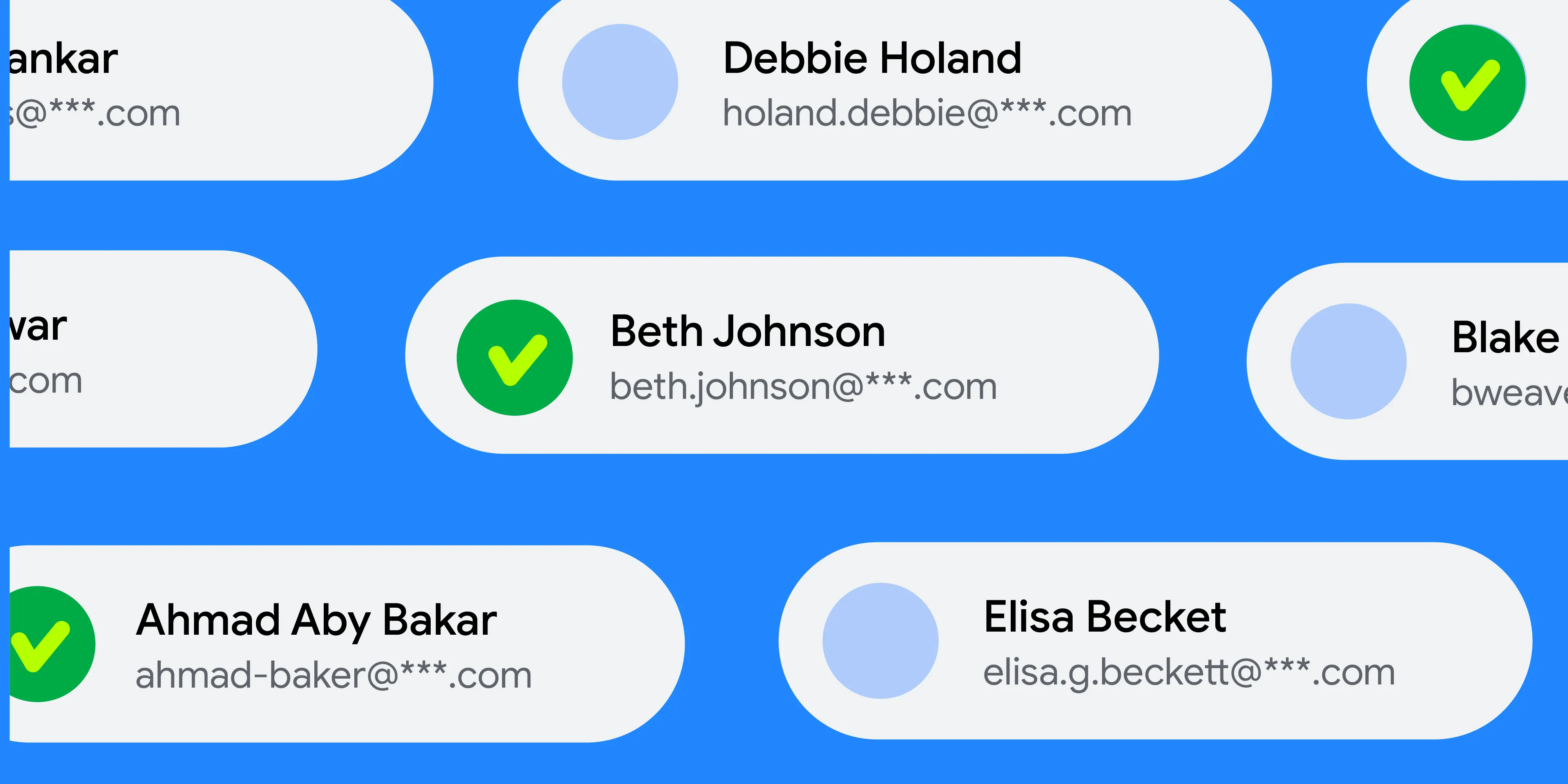
プライバシーとユーザー管理は、引き続き Android エクスペリエンスの中心に据えられています。写真選択ツールによってメディアの共有が安全かつ簡単に実装できるようになったのと同様に、連絡先の選択にも同レベルのプライバシー、シンプルさ、優れたユーザー エクスペリエンスがもたらされます。
Roxanna Aliabadi Walker • 所要時間: 4 分 -
 プロダクト ニュース
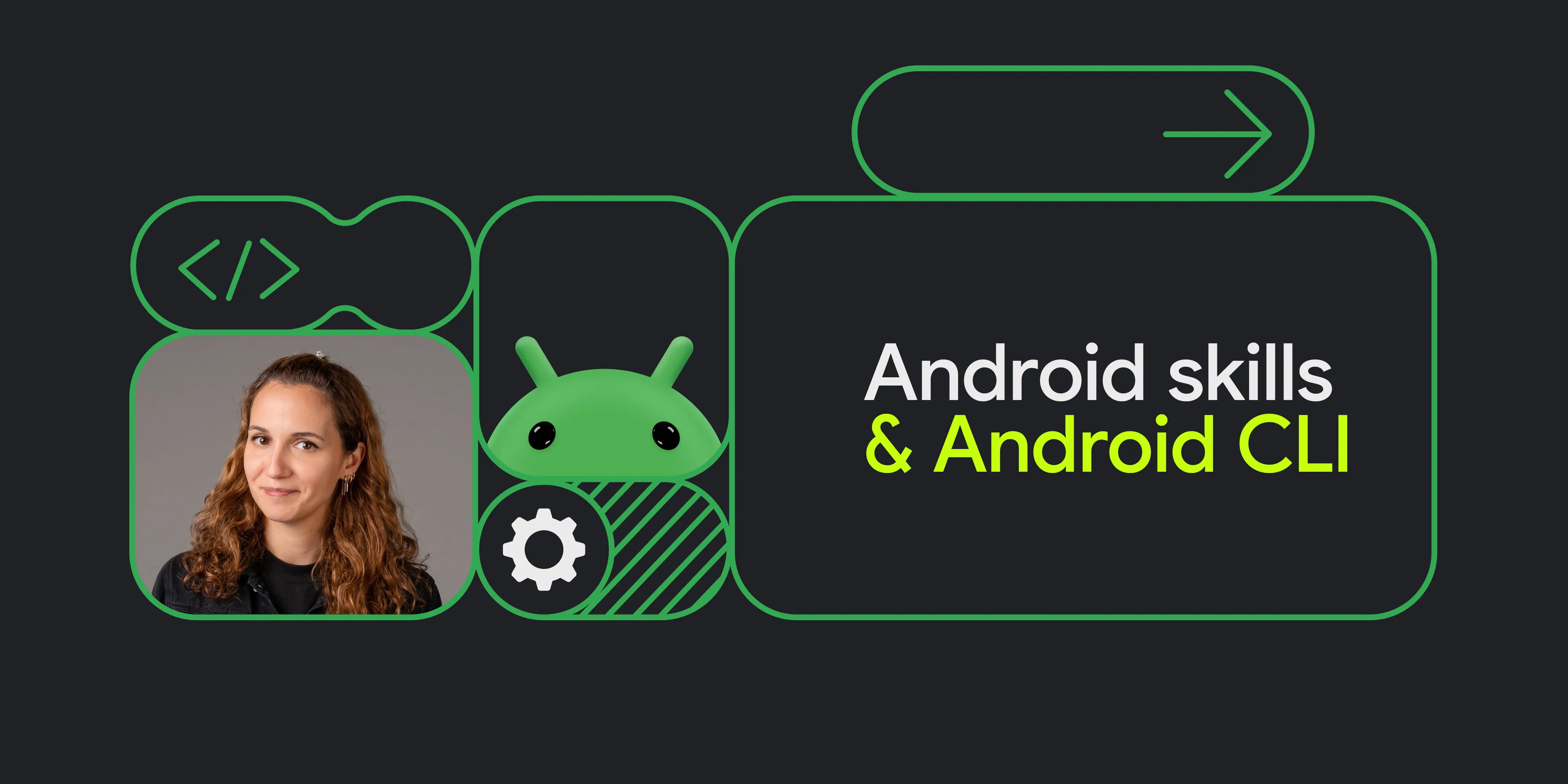
Android デベロッパーは、アプリ開発に使用するエージェント、LLM、ツール、コマンドライン インターフェース(CLI)に関して、多くの選択肢があります。Google の目標は、どのような方法で構築する場合でも、美しく高品質な Android アプリを構築できるようサポートすることです。
Simona Milanovic • 所要時間: 4 分 -

 プロダクト ニュース
Google Play では、サブスクリプション プラットフォームを継続的に拡大し、成長の促進、新しいビジネスモデルへの適応、ユーザーのニーズへの対応をサポートしています。
Sheenam Mittal • 所要時間: 4 分
Android 開発に関する最新の分析情報を毎週メールでお届けします。