AI glasses provide a unique opportunity for new interaction design with the overlap of a new, highly-contextual and personal form factor with evolving AI patterns. For AI glasses, you will have access to the devices hardware and features, including camera, microphone, and touchpad, to fully explore new interaction patterns between AI, your app, and glasses with comfort and user safety principles in mind.
AI glasses bring AI capabilities to the user's eyes and ears. When designing these experiences, consider patterns that recognize AI as an assistant with glanceable visuals.
Natural conversation
AI models allow for ongoing natural language interaction instead of short handoffs or static conversation trees. Prioritize live ongoing helpful conversations with agents rather than short sessions.
Pause and stop
Allow the user to take a break and interrupt the conversation or task. This may be a physical touch, gesture, or spoken interaction. Your agent could continue to listen for additional interaction cues and establish a custom pattern to continue by learning from the user. Allow users to exit the session by swiping back on displayless AI glasses, or swiping down on Display AI glasses.
Multi-modal
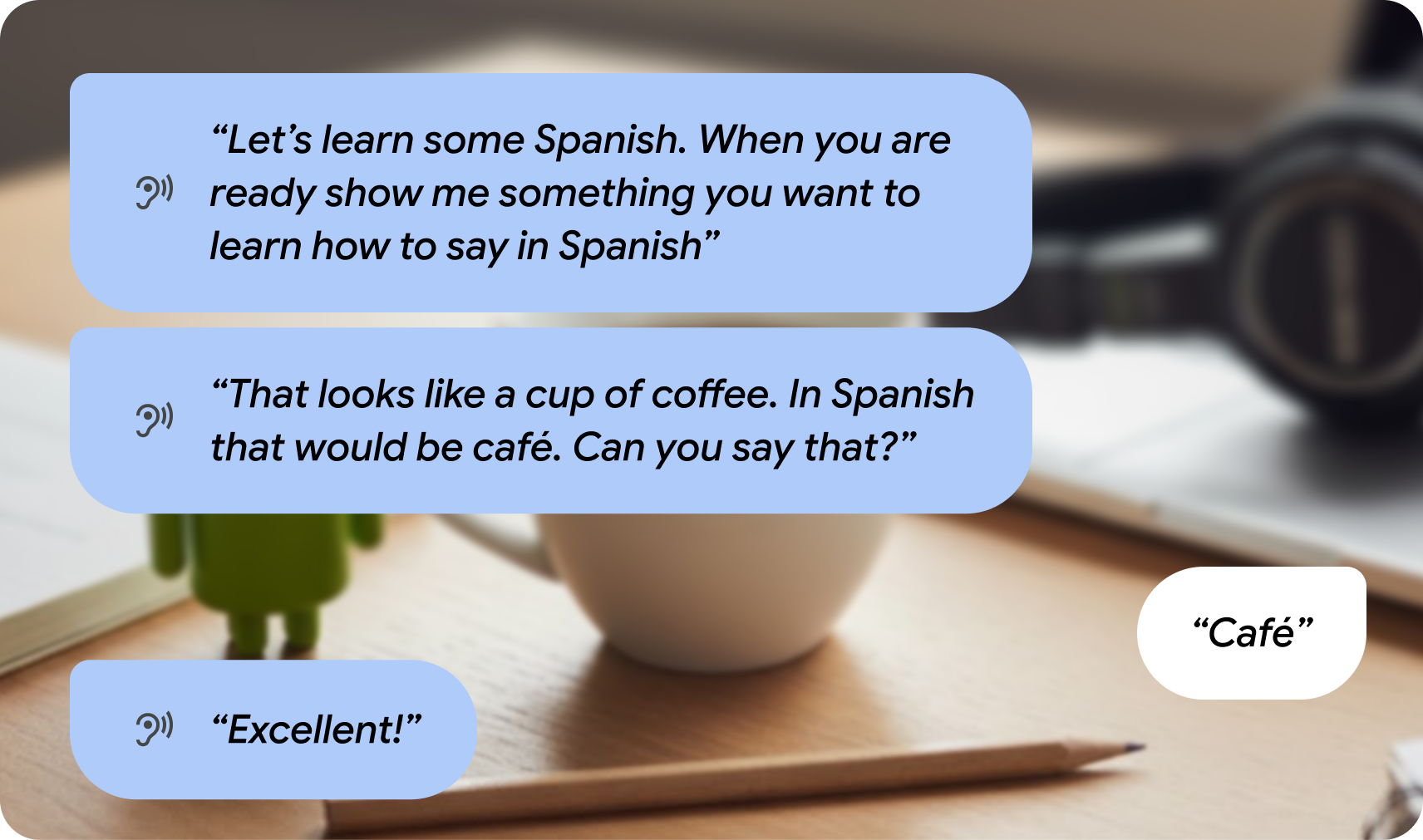
Glasses can use multiple hardware features together with AI to bring richer experiences. For example, you can use the camera for contextual assistance by allowing the user to activate the camera during your conversation to understand the world around them.

Don't keep the camera running as it impacts battery performance, instead allow the user to activate the camera for additional input.

Environmental awareness
AI audio interactions can provide additional information or repeat responses as needed. Consider providing visuals when a display is available as contextual UI that harmonizes with audio output. Allow the user to remain focused in the real world, providing glanceable legible information.