

Media3 1.10 includes new features, bug fixes and feature improvements, including Material3-based playback widgets, expanded format support in ExoPlayer and improved speed adjustment when exporting media with Transformer. Read on to find out more, and check out the full release notes for a comprehensive list of changes.
Playback UI and Compose
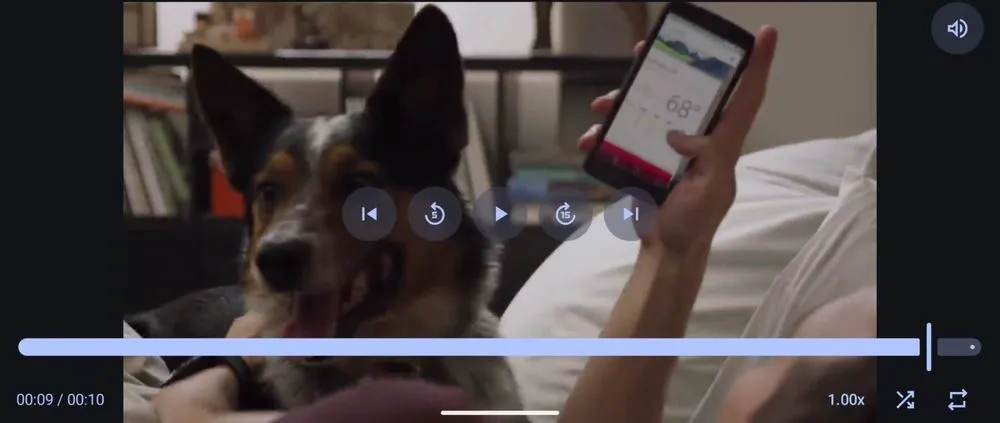
We are continuing to expand the media3-ui-compose-material3 module to help you build Compose UIs for playback.
We've added a new Player Composable that combines a ContentFrame with customizable playback controls, giving you an out-of-the-box player widget with a modern UI.
This release also adds a ProgressSlider Composable for displaying player progress and performing seeks using dragging and tapping gestures. For playback speed management, a new PlaybackSpeedControl is available in the base media3-ui-compose module, alongside a styled PlaybackSpeedToggleButton in the Material 3 module.
We'll continue working on new additions like track selection utils, subtitle support and more customization options in the upcoming Media3 releases. We're eager to hear your feedback so please share your thoughts on the project issue tracker.
Playback feature enhancements
Media3 1.10 includes a variety of additions and improvements across the playback modules:
- Format support: ExoPlayer now supports extracting Dolby Vision Profile 10 and Versatile Video Coding (VVC) tracks in MP4 containers, and we've introduced MPEG-H UI manager support in the decoder_mpeghextension. The IAMF extension now seamlessly supports binaural output, either through the decoder viaiamf_tools or through the Android OS Spatializer, with new logic to match the output layout of the speakers.
- Ad playback: Improvements to reliability, improved HLS interstitial support forX-PLAYOUT-LIMIT and X-SNAP, and with the latest IMA SDK dependency you can control whether ad click-through URLs open in custom tabs with setEnableCustomTabs.
HLS: ExoPlayer now allows location fallback upon encountering load errors if redundant streams from different locations are available.
- Session: MediaSessionService now extends LifecycleService, allowing apps to access the lifecycle scoping of the service.
One of our key focus areas this year is on playback efficiency and performance. Media3 1.10 includes experimental support for scheduling the core playback loop in a more efficient way. You can try this out by enabling experimentalSetDynamicSchedulingEnabled() via the ExoPlayer.Builder. We plan to make further improvements in future releases so stay tuned!
Media editing and Transformer
For developers building media editing experiences, we've made speed adjustments more robust. EditedMediaItem.Builder.setFrameRate()can now set a maximum output frame rate for video. This is particularly helpful for controlling output size and maintaining performance when increasing media speed with setSpeed().
New modules for frame extraction and applying Lottie effects
In this release we've split some functionality into new modules to reduce the scope of some dependencies:
- FrameExtractor has been removed from the main media3-inspector module, so please migrate your code to use the new media3-inspector-framemodule and update your imports toandroidx.media3.inspector.frame.FrameExtractor.
- We have also moved theLottieOverlayeffect to a separate media3-effect-lottie module. As a reminder, this gives you a straightforward way to apply vector-based Lottie animations directly to video frames.
Please get in touch via the issue tracker if you run into any bugs, or if you have questions or feature requests. We look forward to hearing from you!
-
 Product News
As Android developers, you have many choices when it comes to the agents, LLMs, tools, and command-line interfaces (CLI) you use for app development. Our goal is to help you build beautiful, high-quality Android apps, no matter how you choose to build.
Simona Milanovic • 4 min read -

 Product News
On Google Play, we are continuously expanding our subscription platform to help you drive growth, adapt to new business models, and meet your users exactly where they are.
Sheenam Mittal • 4 min read -

 Product News
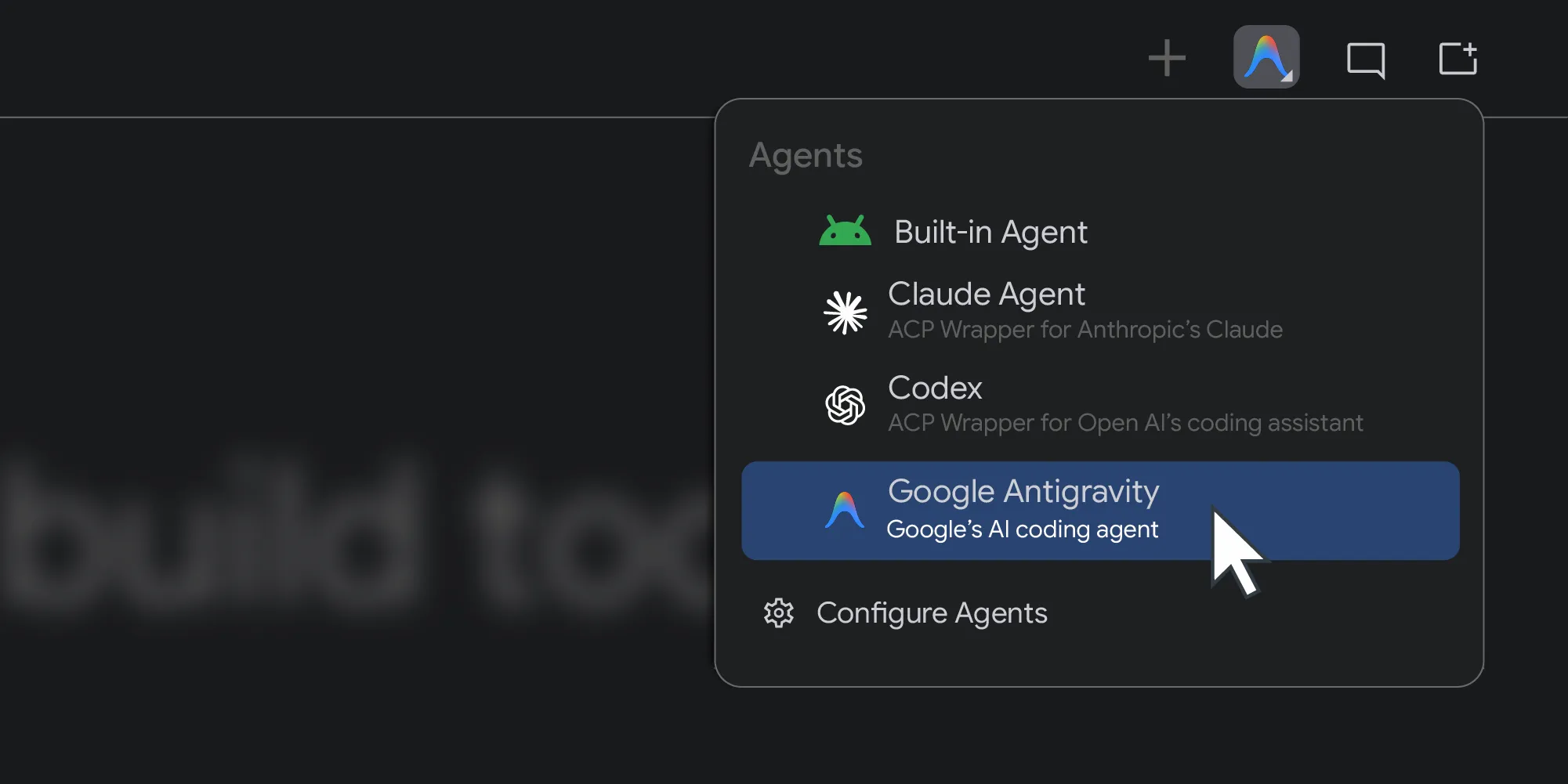
Last year, Android Studio opened up to any AI model. Today, we’re taking the next step by introducing support for your choice of coding agents.
Matthew Warner • 3 min read
Get the latest Android development insights delivered to your inbox weekly.