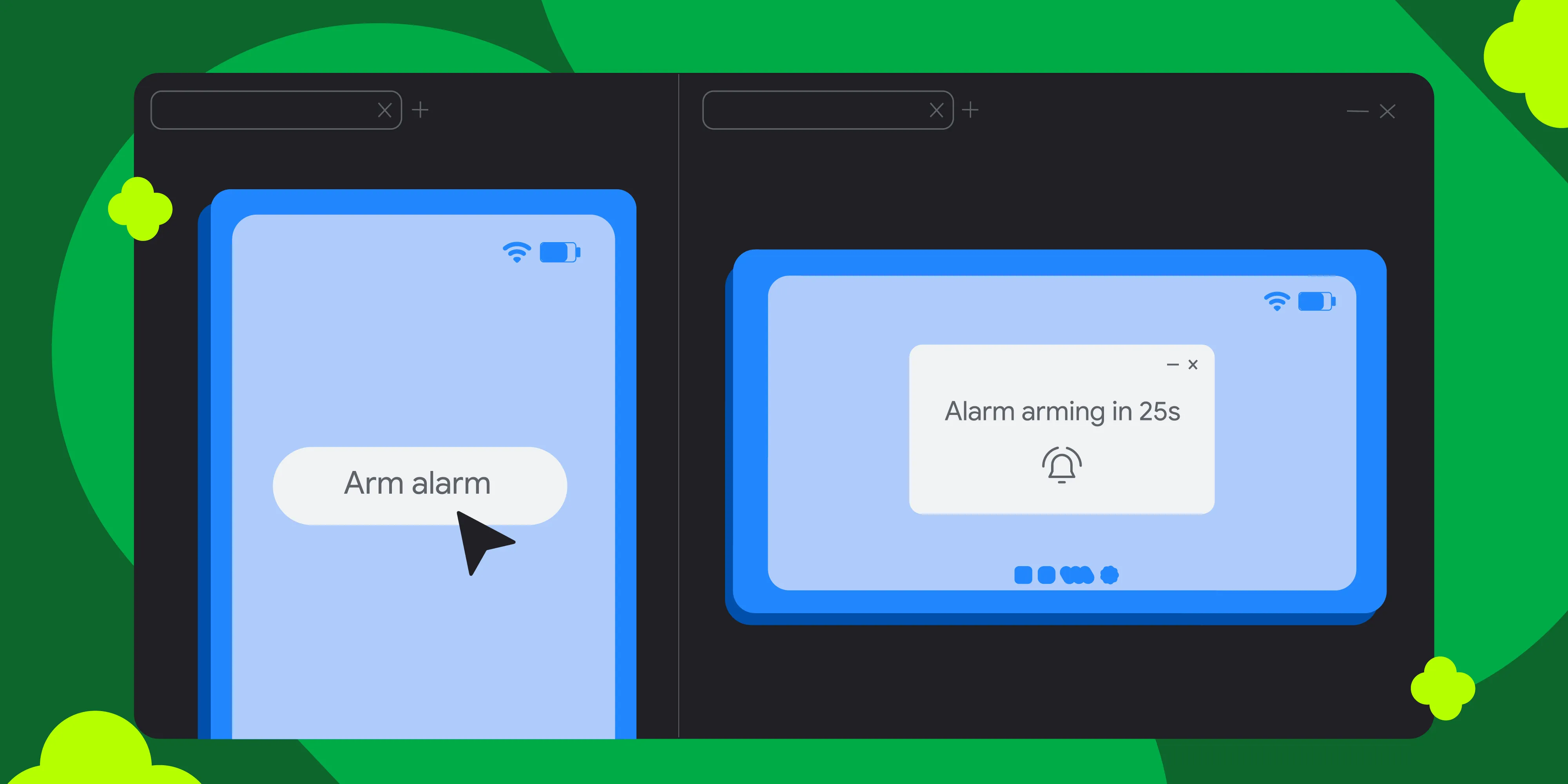

Testing multi-device interactions is now easier than ever with the Android Emulator. Whether you are building a multiplayer game, extending your mobile application across form factors, or launching virtual devices that require a device connection, the Android Emulator now natively supports these developer experiences.
Previously, interconnecting multiple Android Virtual Devices (AVDs) caused significant friction. It required manually managing complex port forwarding rules just to get two emulators to connect.
Now you can take advantage of a new networking stack for the Android Emulator which brings zero-configuration peer-to-peer connectivity across all your AVDs.
Interconnecting emulator instances
The new networking stack for the Android Emulator transforms how emulators communicate. Previously, each virtual device operated on its own local area network (LAN), effectively isolating it from other AVDs. The new Wi-Fi network stack changes this by creating a shared virtual network backplane that bridges all running instances on the same host machine.
Key benefits:
- Zero-configuration: No more manual port forwarding or scripting
adbcommands. AVDs on the same host appear on the same virtual network. - Peer-to-peer connectivity: Critical protocols like Wi-Fi Direct and Network Service Discovery (NSD) work out of the box between emulators.
- Improved stability: Resolves long-standing stability issues, such as data loss and connection drops found in the legacy stack.
- Cross-platform consistency: Works the same across Windows, macOS, and Linux.
Use Cases
The enhanced emulator networking supports a wide range of multi-device development scenarios:
- Multi-device apps: Test file sharing, local multiplayer gaming, or control flows between a phone and another Android device.
- Continuous integration: Create robust, automated multi-device test pipelines without flaky network scripts.
- Android XR & AI glasses: Easily test companion app pairing and data streaming between a phone and glasses within Android Studio.
- Automotive & Wear OS: Validate connectivity flows between a mobile device and a vehicle head unit or smartwatch.
The new emulator networking stack allows multiple AVDs to share a virtual network, enabling direct peer-to-peer communication with zero configuration.
Get Started
The new networking capability is enabled by default in the latest Android Emulator release (36.5), which is available via the Android Studio SDK Manager. Just update your emulator and launch multiple devices!
If you need to disable this feature or want to learn more, please refer to our documentation.
As always, we appreciate any feedback. If you find a bug or issue, please file an issue. Also you can be part of our vibrant Android developer community on LinkedIn, Medium, Youtube, or X.
-
 Product News
Wireless debugging on Android is now faster, more reliable, and easier to set up than ever. With ADB Wi-Fi 2.0, we’ve introduced a new server stack and smarter network handling to directly address developer feedback around usability gaps.
-
 Product News
Today, we're thrilled to announce the stable release of the AndroidX Security State version 1.1.0 and Security State Provider version 1.0.0 libraries.
Maunik Shah, Alec Garcia, Joseph Yong • 4 min read -

 Product News
Today we’re releasing the first set of long-horizon tasks (LHT), which are tasks of great complexity that take an engineer multiple days or even a week to complete. We are also introducing agentic evaluation, starting with agents from corresponding model providers.
Matthew McCullough • 3 min read
Get the latest Android development insights delivered to your inbox weekly.