

Build adaptive apps
Optimize the user experience on phones, tablets, foldables, desktops, cars, and XR 2D with Jetpack Compose. Lay the foundation for deployment of your app on Android TV, immersive XR, and future device form factors.

Multidevice world
Build versatile apps that scale across the entire Android ecosystem. Leverage modern tools and APIs to reach more users with a single, maintainable codebase.

Adaptive everywhere
Build your app for all device form factors all at the same time. Get your app in front of users on phones, tablets, foldables, desktops, car displays, and even Android XR virtual spaces with a single, maintainable Compose code base.

Dynamic UI
Create layouts that adapt to any screen or any app window size or orientation. Make the most of available display space with canonical layouts and Compose UI components that change automatically to accommodate display dimensions.

AI assistance and tooling
Accelerate your adaptive app development with AI assistance in Android Studio, Antigravity, and—standalone or in the terminal of your favorite IDE—Android CLI. Test your app with the Android resizable virtual device emulator or a variety of form factor emulators to check the dynamic performance of your adaptive layouts.

Quality at every level
Build quality into your app from the ground up with the adaptive app quality guidelines. Achieve Tier 2 (Adaptive optimized) for a top‑quality app on all form factors, or Tier 1 (Adaptive differentiated) for unique device features and a compelling user experience.

Maximized ROI
Reach more users on more devices. Capture the attention of more than 580 million large screen device users. Cash in on the 14x in‑app spending of foldable users. Connect with Chromebook users in 93% of U.S. school districts. Be seen by millions of Android Auto and Android TV users.

Differentiated experiences
Support the unique features of different form factors and device configurations for the ultimate user experience on every device.

Desktops
Large displays, keyboards, mice, and trackpads enable enhanced interactivity, increased productivity, and immersive gameplay.

Foldables
Folding features such as tabletop posture and book posture provide opportunities for innovative app design.

Cars
Large, often nonrectangular, car displays and unique features of Android Automotive OS add special considerations for parked car apps.

ChromeOS
Built-in trackpad and keyboard enable input beyond touch. Desktop windowing presents possibilities for adaptive app layouts.

TV
The user experience on TVs requires layouts viewable from 10 feet away and a directional pad with a select button for app navigation.

XR
Extended reality apps enhance the user experience with spatial layouts, 3D models, and immersive environments.
Adaptive APIs
Jetpack Compose adaptive APIs enable you to build for any form factor, window size, or display mode, including split-screen mode and desktop windowing, with a single codebase.

Flexbox
Build layouts with the web‑standard flexbox model. Arrange elements horizontally or vertically and let Compose handle sizing and spacing on any display.

Grid
Create flexible multi-column and multi-row grids that automatically adjust the number of columns and rows to fit the available display space on any screen size.

MediaQuery
Query window dimensions, device posture, hardware capabilities, and system features to dynamically adapt your UI to the specific configuration of any device.
Proven design patterns
Canonical layouts ensure an optimal user experience for all form factors.
Navigation scenes enable your app to adapt to multiple form factors seamlessly.
Navigation scenes enable your app to adapt to multiple form factors seamlessly.

List-detail
Enable one-click access to list item content by displaying list and detail panes side-by-side on large displays but individually on small displays.

Feed
Arrange content elements in an expansive grid, associating elements by size and placement, drawing attention to elements using proportion and scale.

Supporting pane
Organize content into primary and secondary display areas to make tools, options, and settings readily accessible and applicable to the main content.

Navigation
Define your app's UI flow with scenes. Create customized layouts, adapt your UI to different screen sizes, manage complex multi-pane experiences.

Get started with Android adaptive design
Create layouts for multiple form factors with Material Design and Jetpack Compose components.
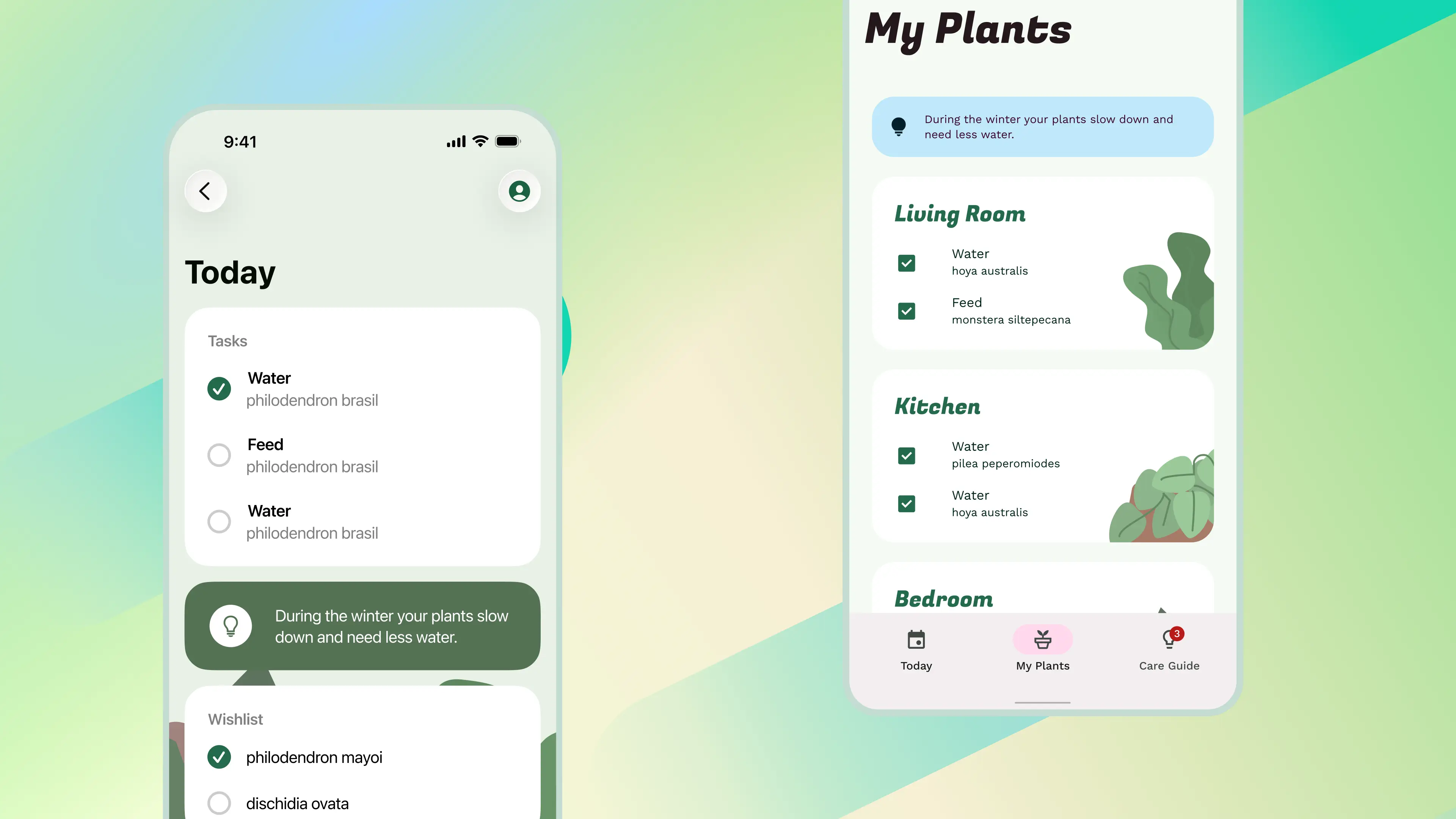
10 steps to Android
Translate your iOS designs to Android.
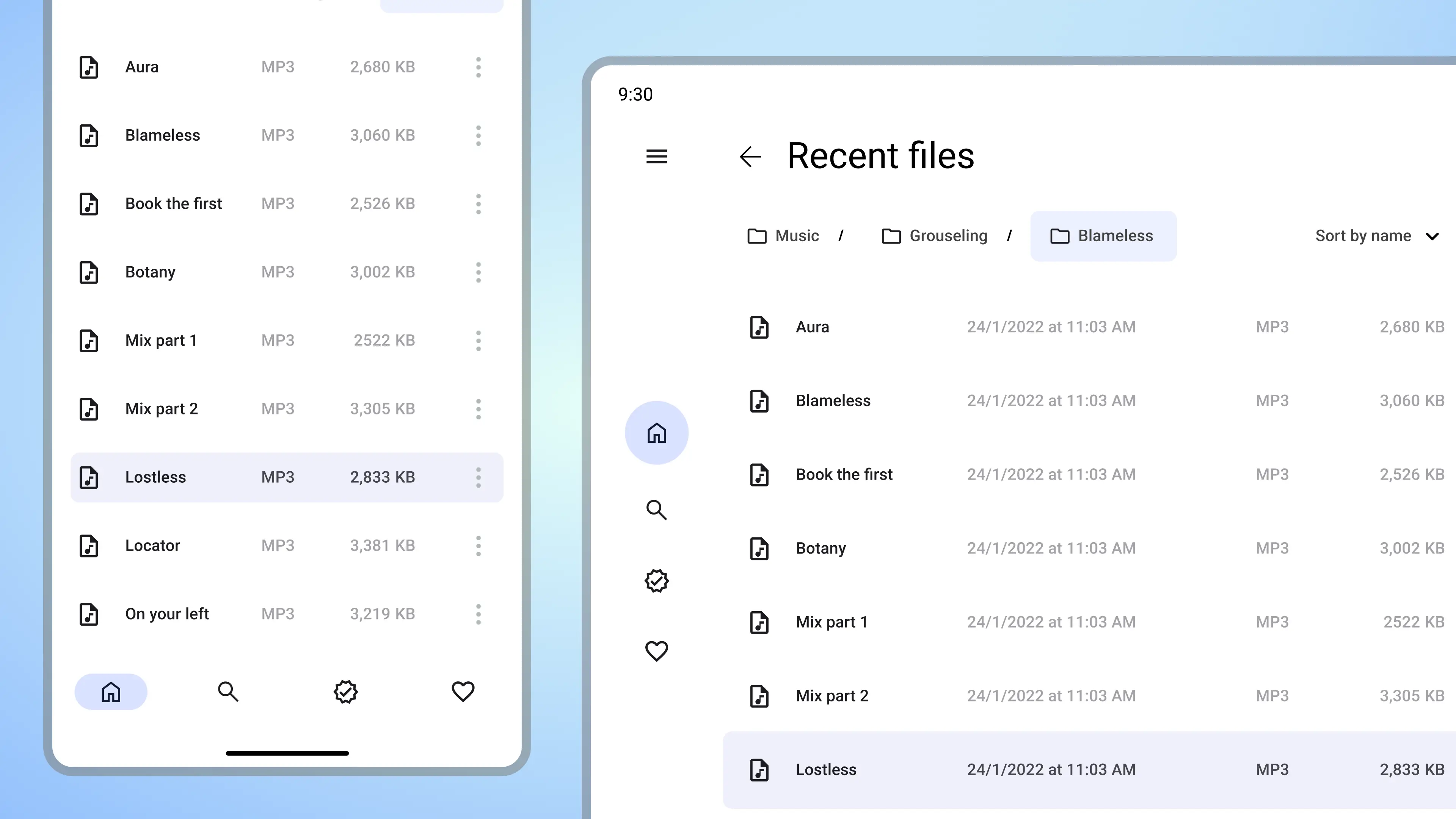
Adapt your layout
Learn about adaptive design mental models and anti-patterns for Android.
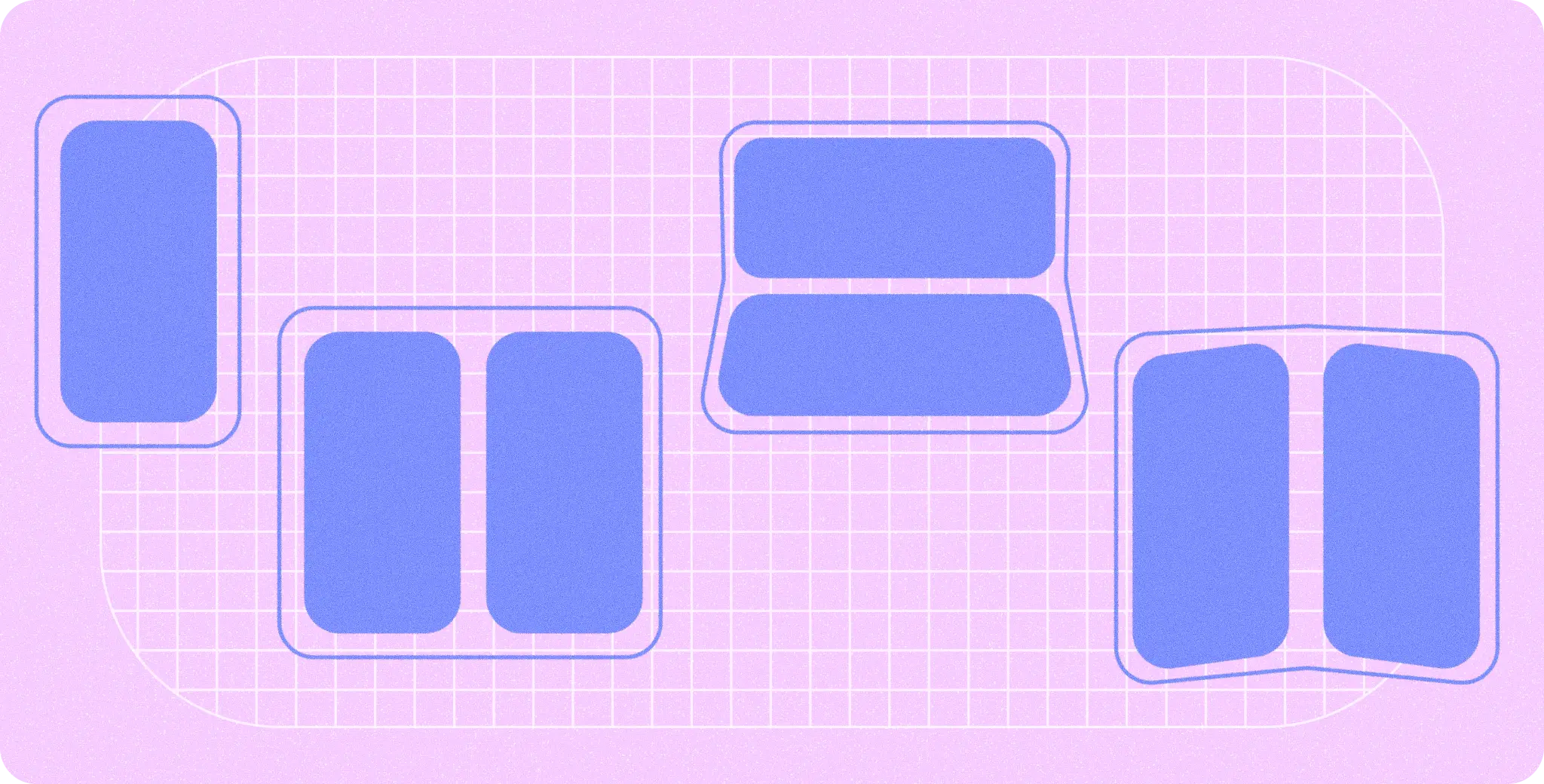
Postures and design
Get your designs ready to fold and rotate. Unique design considerations for foldables and device rotation.
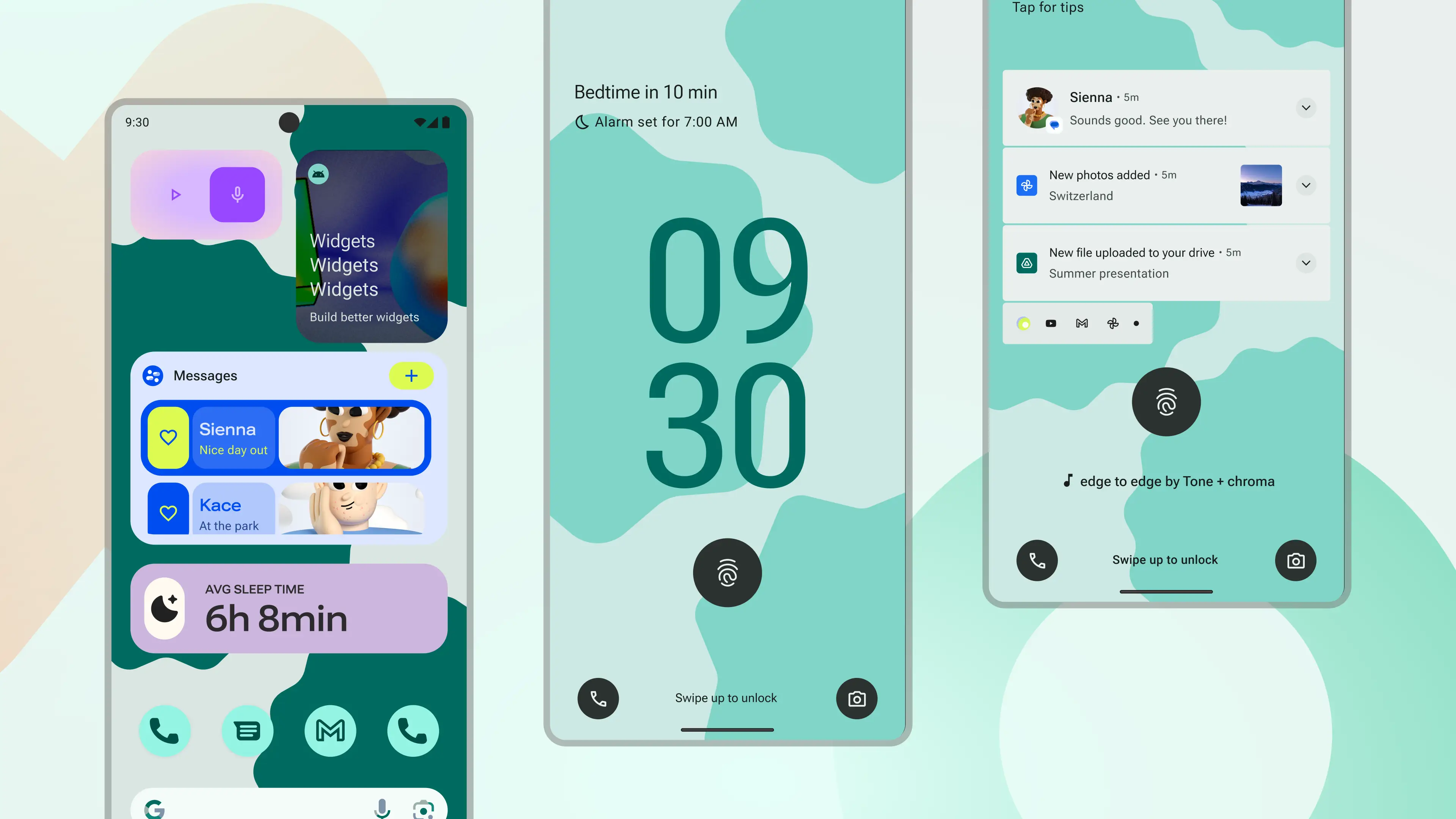
Android UI Kit
Get started designing for Android faster and easier with an introductory guide, styles, components, and system templates.
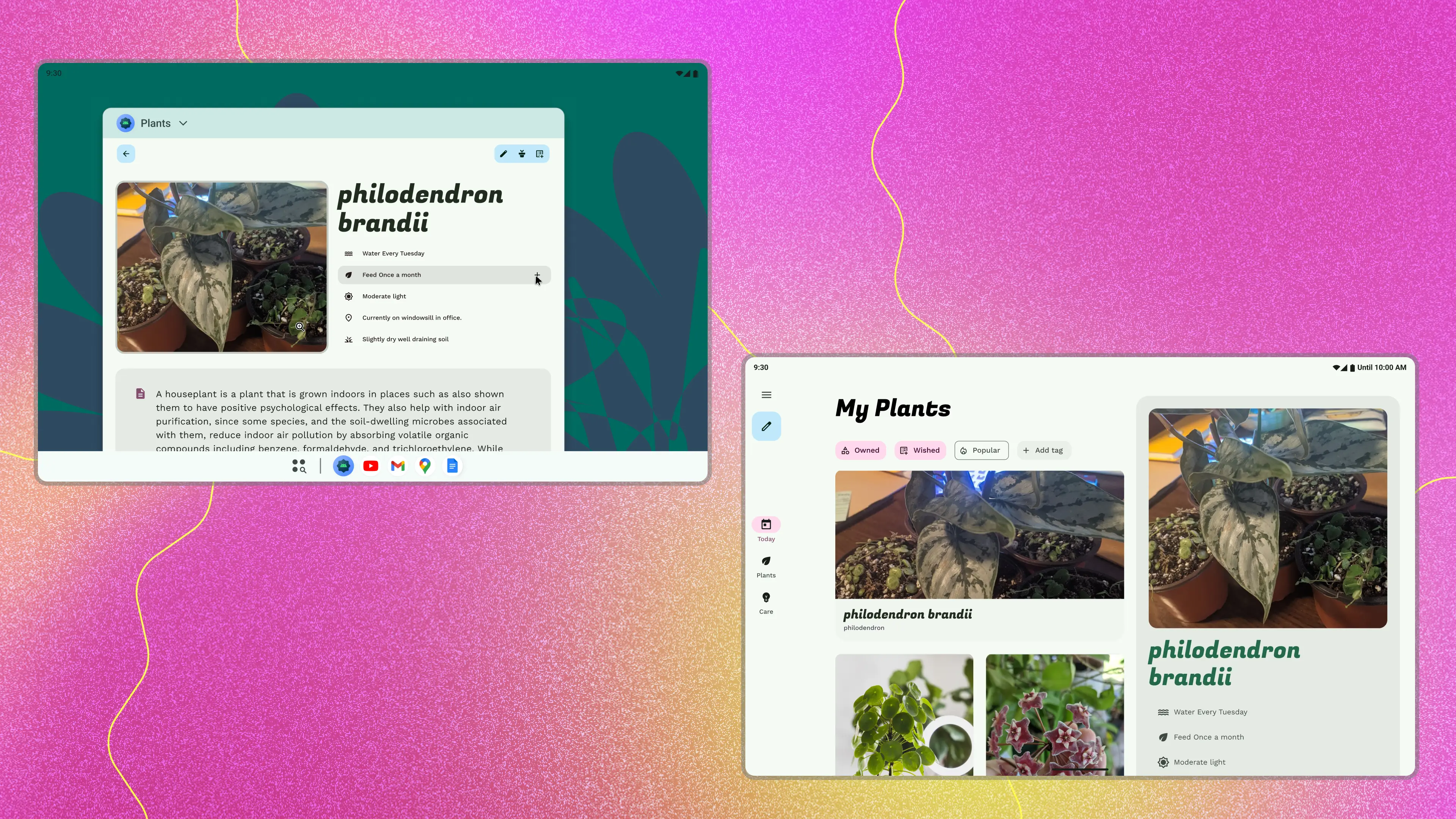
Design lab
From compact to extra large, this Figma lab helps you get those layouts flexing.
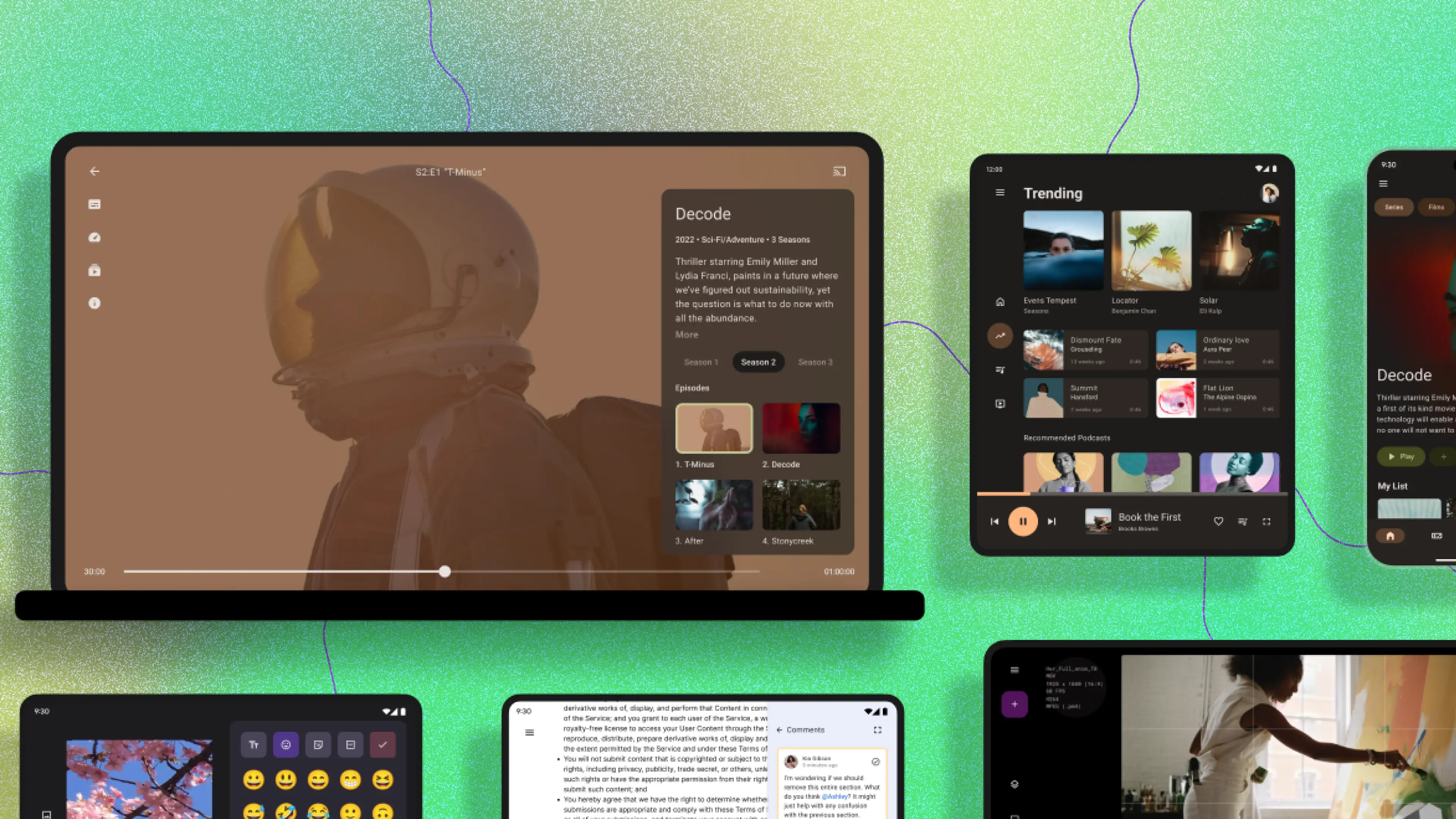
Adaptive templates
Need somewhere to start? The Android templates Figma provides a range of vertical examples.