

As you develop your Jetpack Compose Glimmer UI, use composable previews to visualize and iterate on your designs quickly and efficiently. Composable previews give you a live, interactive rendering of your Jetpack Compose Glimmer UI components directly within Android Studio. These previews eliminate the need to continuously build and run your app on an emulator or physical device for every small UI change, dramatically accelerating your development cycle.

Preview Jetpack Compose Glimmer UI components
- Open your XR project in the latest Canary build of Android Studio.
- Verify that your composable function is annotated with the
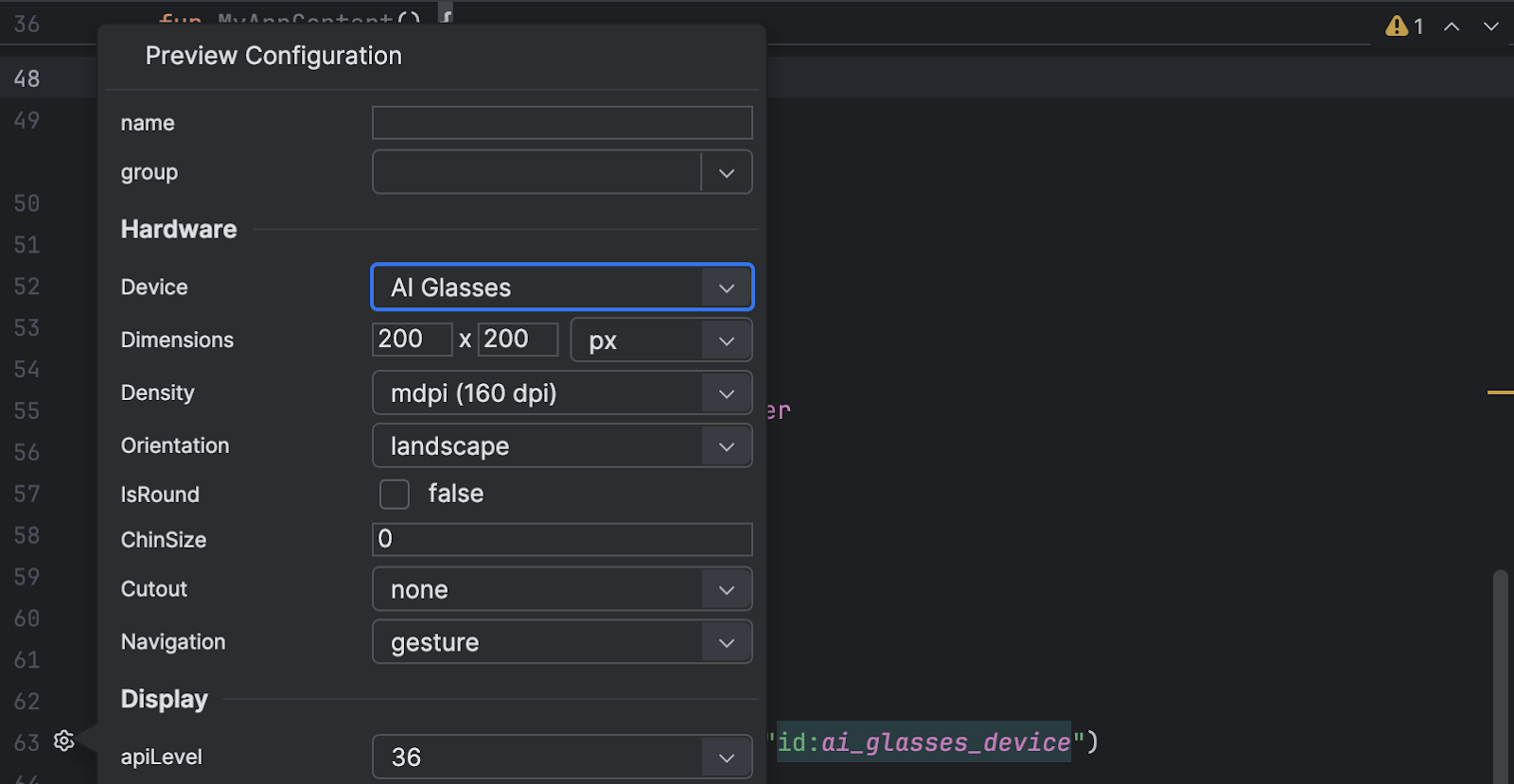
@Previewannotation. In Code view, click the Preview configuration picker for the composable function.
From the Device drop-down menu, select AI Glasses.
This adjusts the preview surface to match the unique resolution and aspect ratio of display glasses.
Select either the Design or Split view to see the preview.
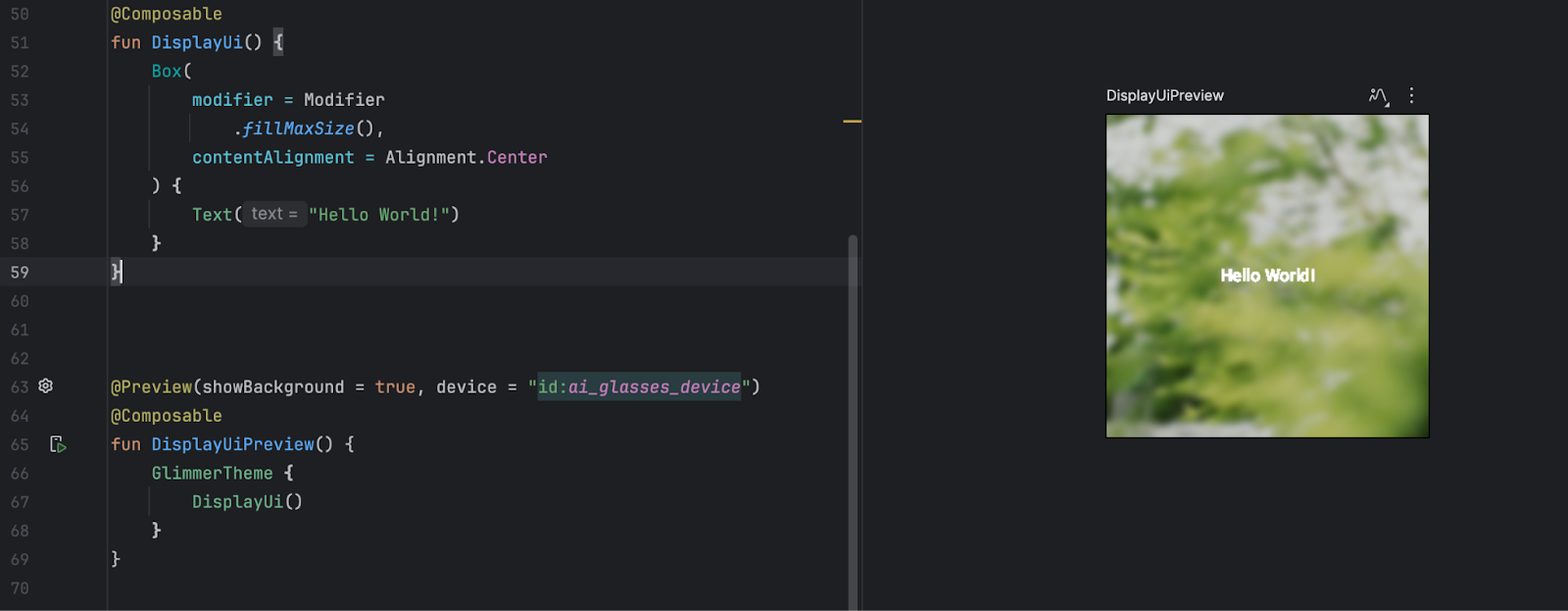
Adjust the preview environment
Glasses use an additive, transparent display. This characteristic means the display can only add light; it can't create black. With an additive display, black is not a color—it appears 100% transparent. The Compose preview provides an approximation that helps you understand how the UI behaves in different viewing conditions.
To simulate different viewing conditions, click the environment icon in the preview pane toolbar. Try different background options (for example, Light, Dark, or Busy) to check whether your text and components have adequate contrast and visibility.