
Attach an image to your query for the agent to better understand an app's architecture and accelerate the UI development process.
To attach an image to your prompt, click Add Context > Media
 and upload the image.
Here are just a few ways that the agent can help with images:
If you have a mock-up of the UI you'd like, the agent can provide the code that creates it. For example, if you provide the agent a screenshot of the Now in Android app, it can provide the Compose code to create it. This example shows a screenshot of the app's feed (left) and the agent's generated Jetpack Compose code (right) for that UI. To learn more, see Generate UI with image attachments.
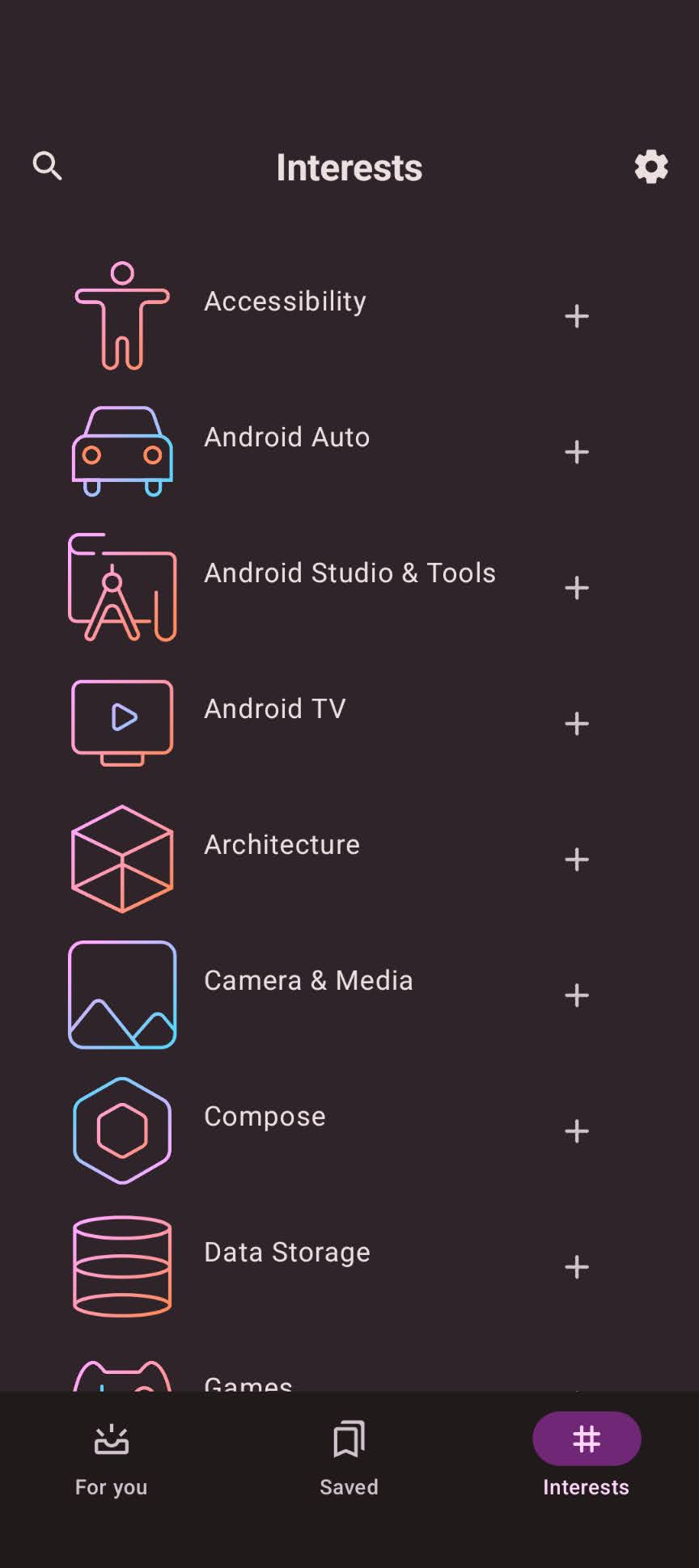
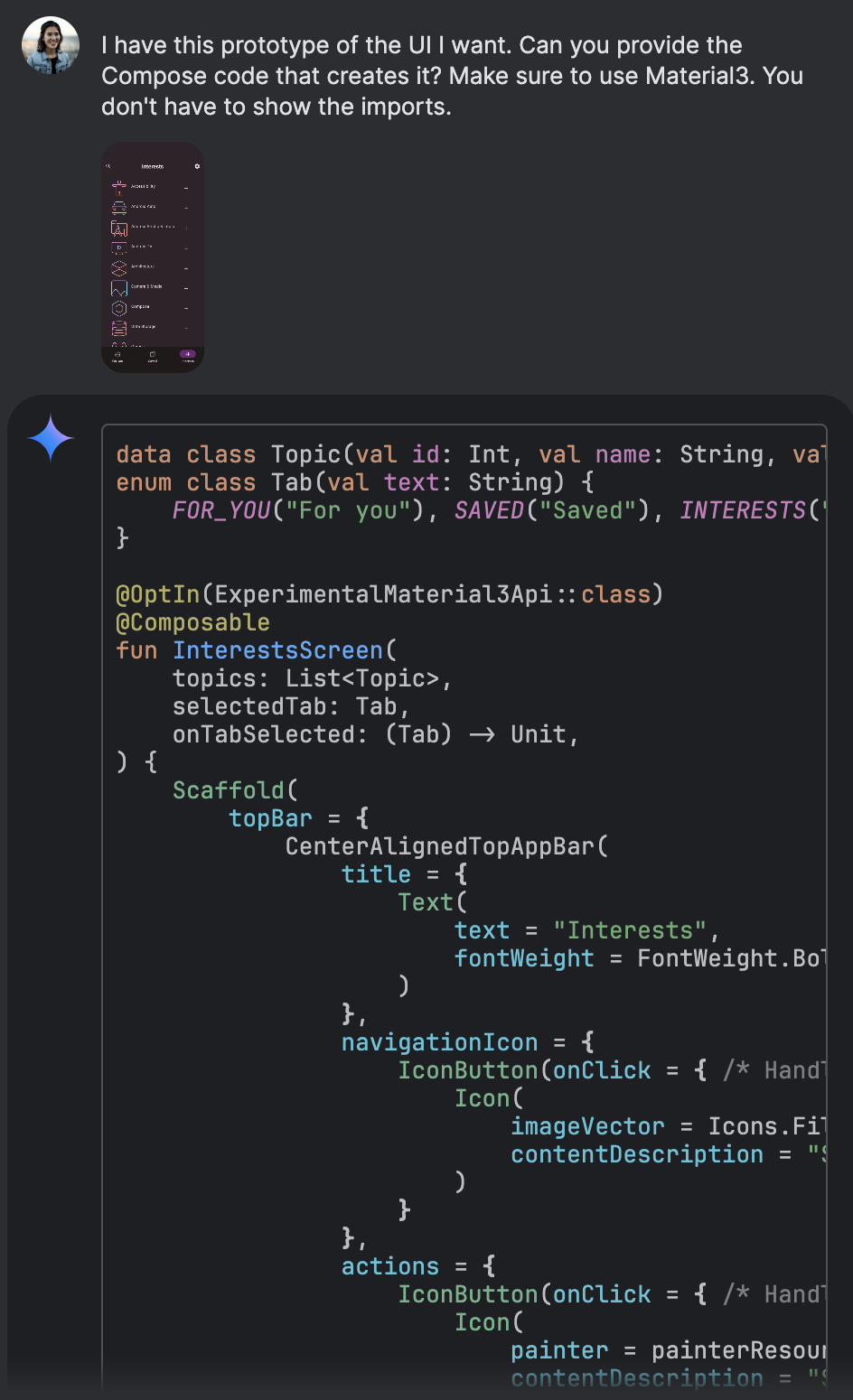
The agent generates Jetpack Compose code from a UI screenshot of the Now in Android app. If you want to learn how an app is constructed, the agent can explain how the UI works in terms of its component parts. For example, you can ask the agent to explain the composables and data flow behind another Now in Android screenshot. The left image shows a detail screen with a news item, and the right image displays the agent's explanation of the Compose structure and data flow for that screen.
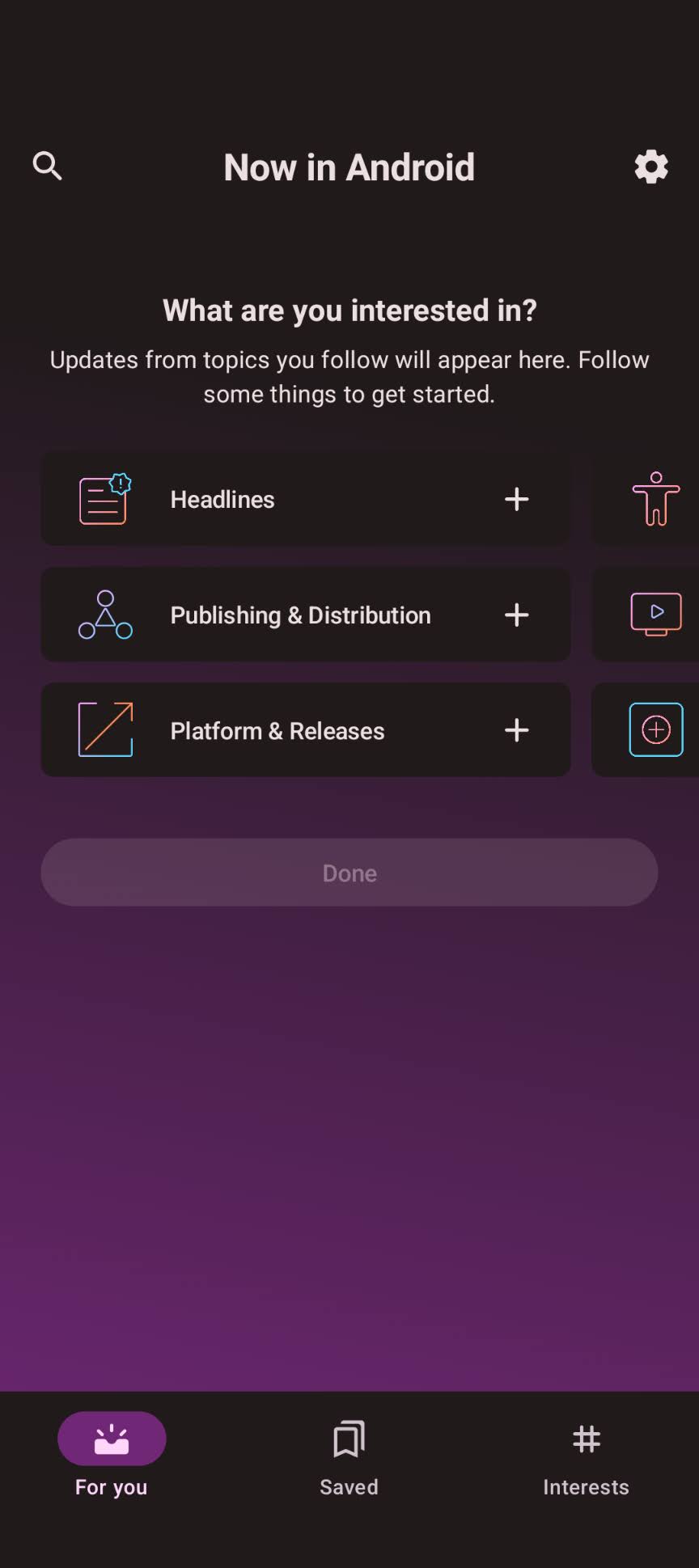
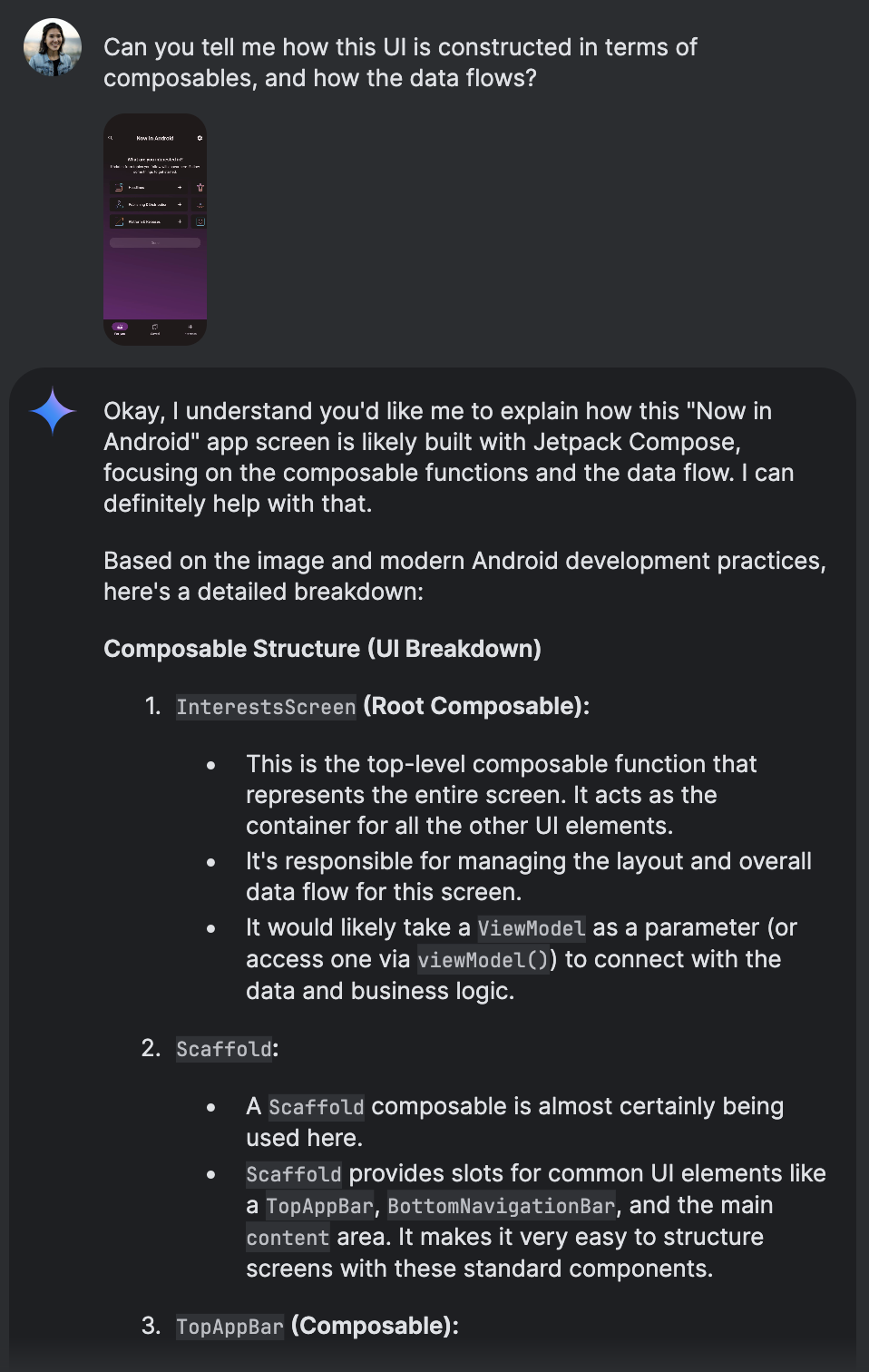
The agent explains the UI composition and data flow of a specific app screen. If you have an app architecture diagram, the agent can suggest code to create the app based on the diagram, serving as a full stack development assistant. The agent can also help document the diagram and explain the construction of the app, which helps when writing a design doc for your teammates to review. For example, the following image shows a simplified architecture diagram depicting data flow between various app components like UI, ViewModel, Repository, and Data Source.

The agent can generate code and documentation from an app architecture diagram. If you notice a UI bug, take a screenshot and ask the agent to brainstorm solutions. You can help point out what's wrong by circling the area that has the error. The following example shows a screenshot of a mobile app with a red circle highlighting a misaligned UI element.

The agent can help brainstorm solutions for UI bugs from a screenshot.