
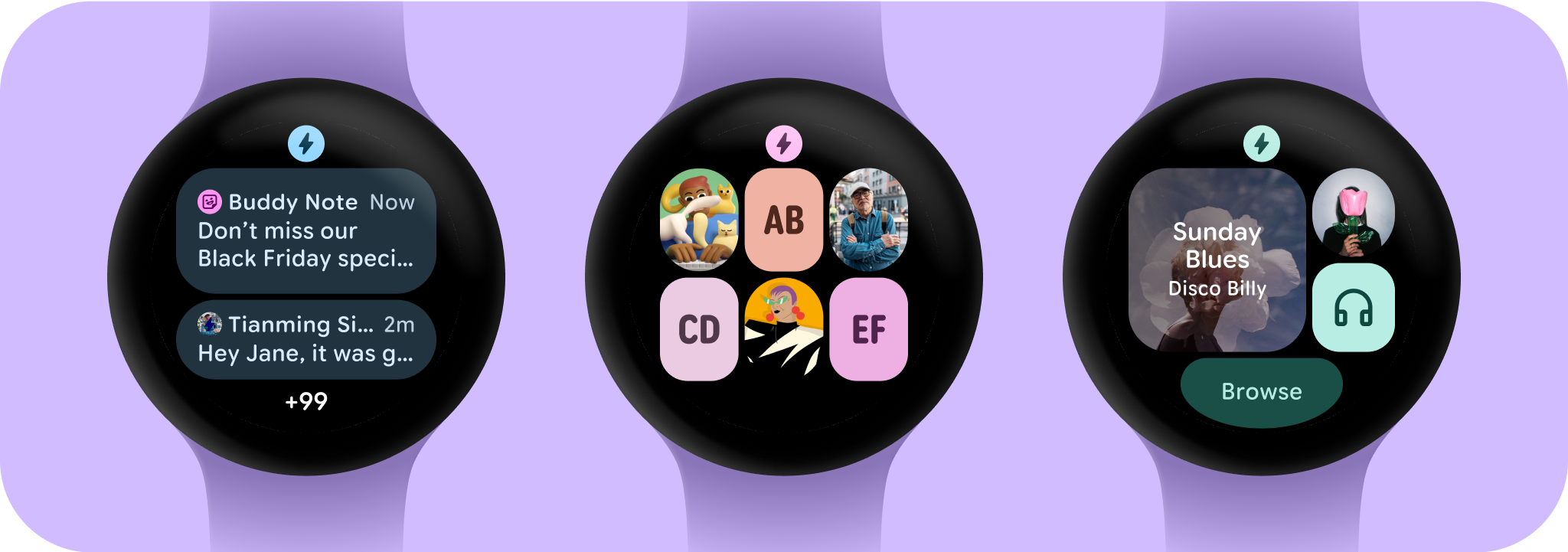
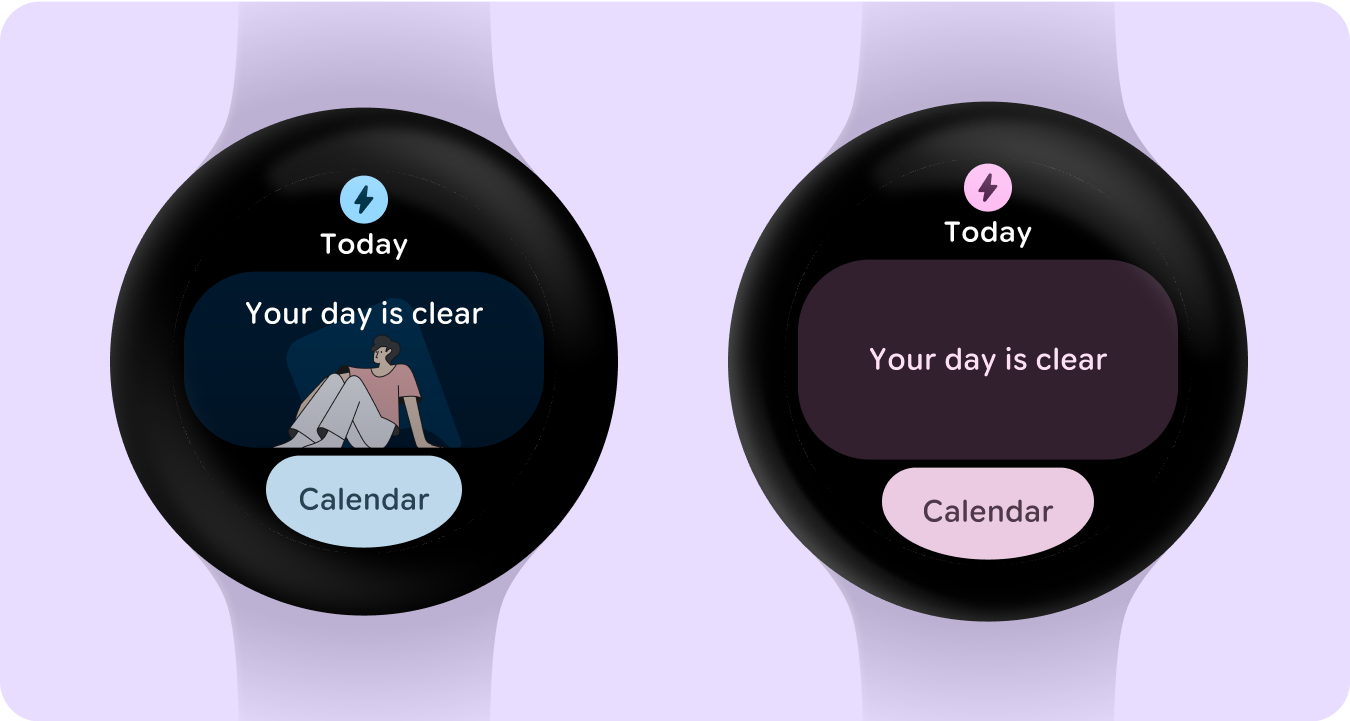
Empty states aren't always caused by an error or lack of data, but could be a logged out state, or a happy message communicating a clear diary. In some cases the empty state is the most common state, which creates an opportunity to customize the the empty state to feel more unique, positive and complete or populated.
All empty states should have a clear call-to-action to the user knows what to do to fix a potential issue, or find out more information.
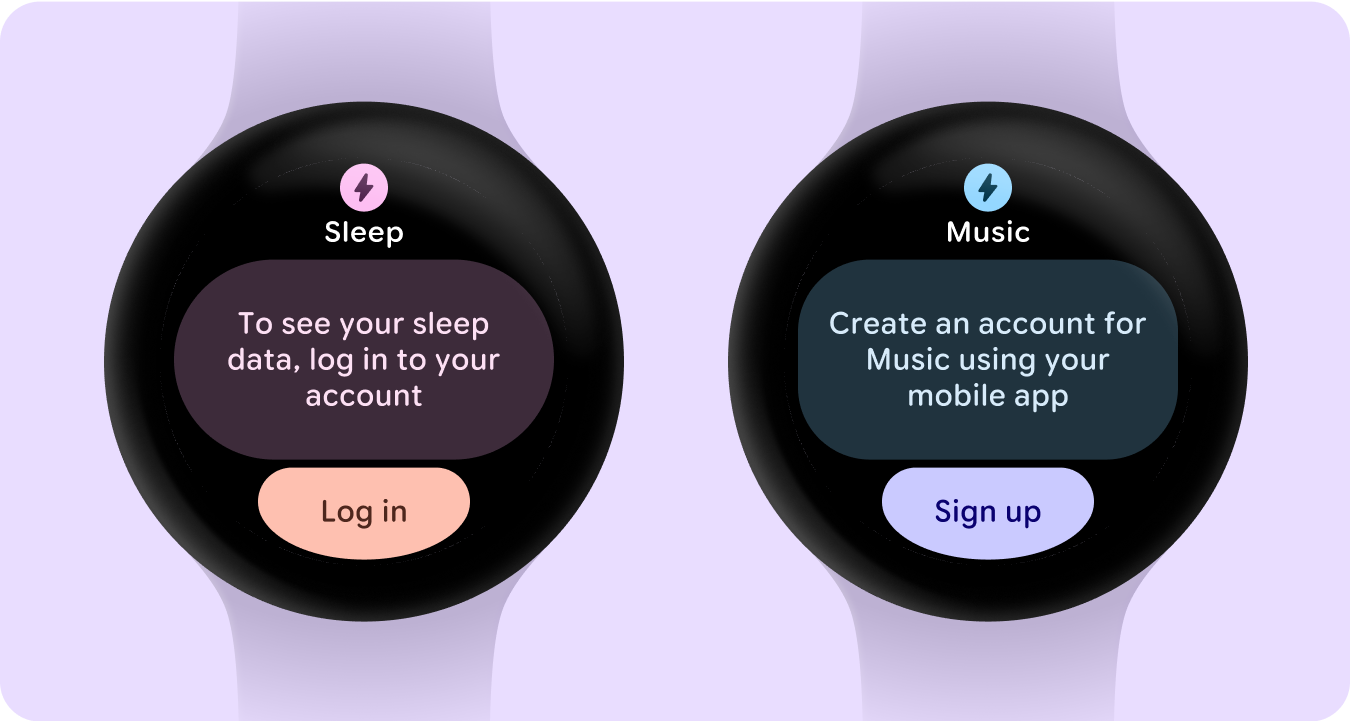
Sign-in states
Tell the user that they need to update their settings or preferences, log into their account, or create an account either from their watch or mobile app from the Tile.
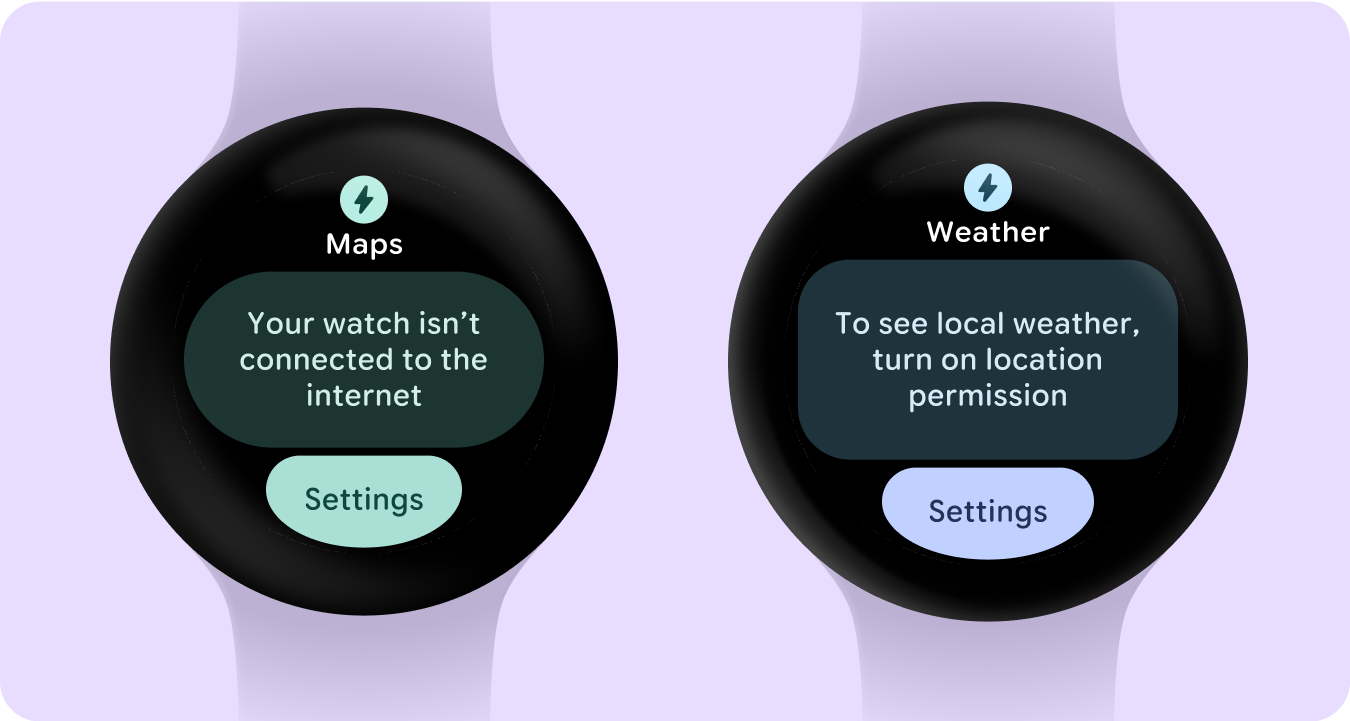
Error states
Provide a clear call-to-action to fix potential issues when viewing your Tile data.
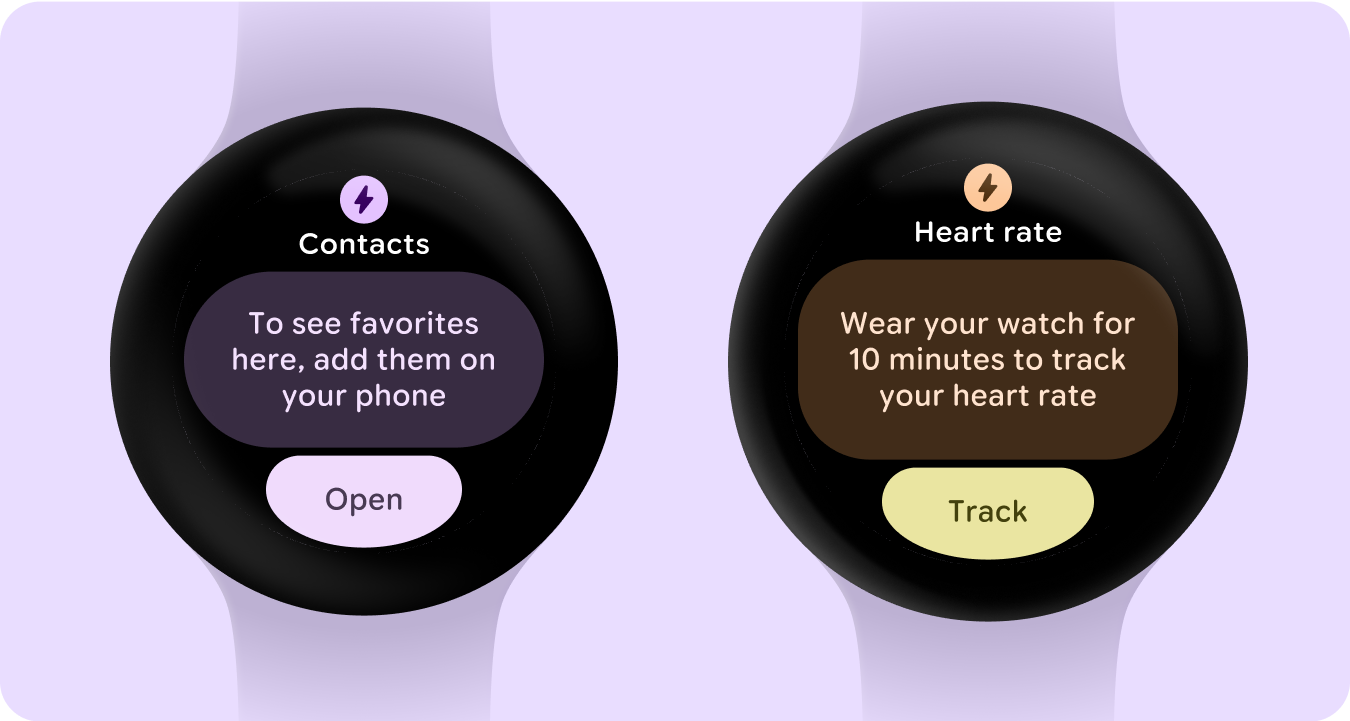
Empty states (no data)
Describe what is causing the lack of data and how a user can rectify the issue.
Empty states (content)
Empty states aren't always caused by an error or lack of data. In some cases the empty state is the most common state. This creates an opportunity to customize the design by adding an image to make the empty state feel complete as a populated state. Alternatively, the card will be the default text on a tonal background.
Empty states (progress)
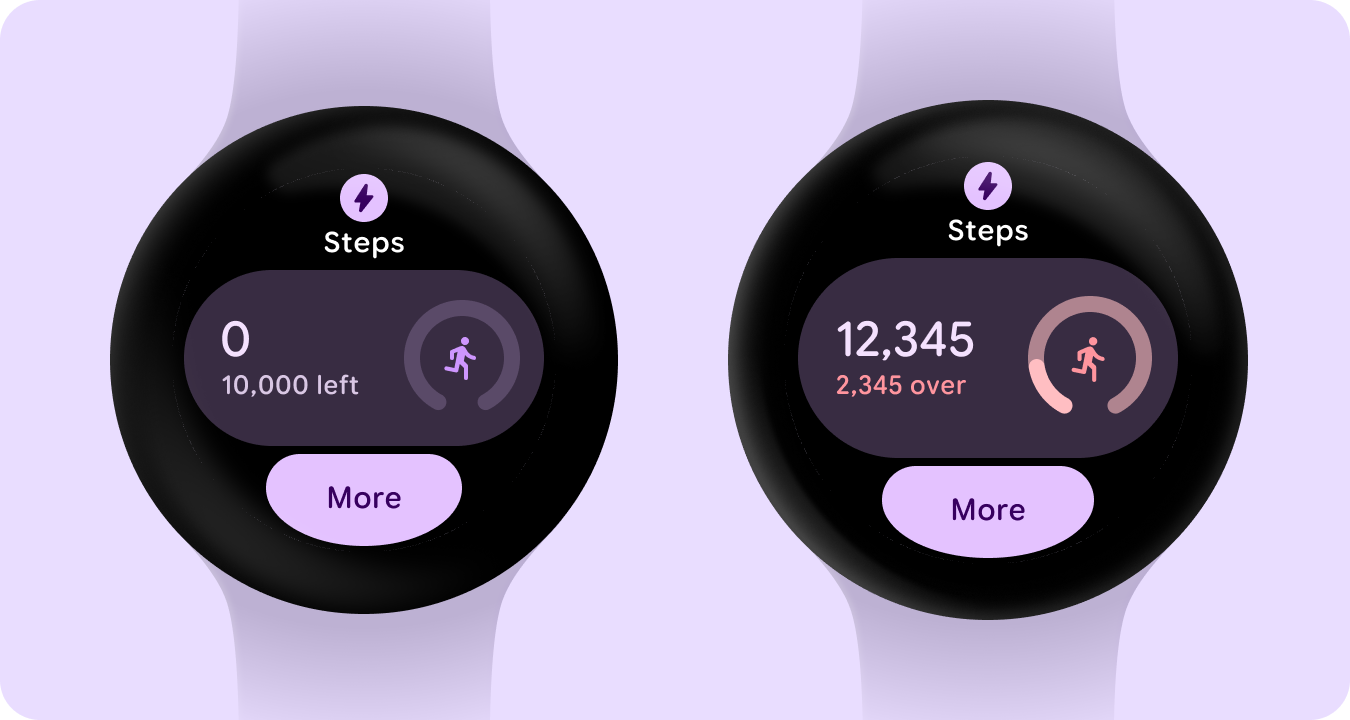
Here is an example of how certain components cater to empty and overflow states when tracking data or progress.
Ongoing (reference) states
There are certain ongoing activities or live updates that require notifications for the user, as part of the Wear app quality guidelines.
If your app is in scope of these requirements, do the following to minimize user confusion: Indicate that an ongoing activity is already in progress. Don't start a new instance of an ongoing activity.