
FilledTonalIconButton
Functions summary
Unit |
@ComposableWear Material |
Functions
FilledTonalIconButton
@Composable
fun FilledTonalIconButton(
    onClick: () -> Unit,
    modifier: Modifier = Modifier,
    onLongClick: (() -> Unit)? = null,
    onLongClickLabel: String? = null,
    enabled: Boolean = true,
    shapes: IconButtonShapes = IconButtonDefaults.shapes(),
    colors: IconButtonColors = IconButtonDefaults.filledTonalIconButtonColors(),
    border: BorderStroke? = null,
    interactionSource: MutableInteractionSource? = null,
    content: @Composable BoxScope.() -> Unit
): Unit
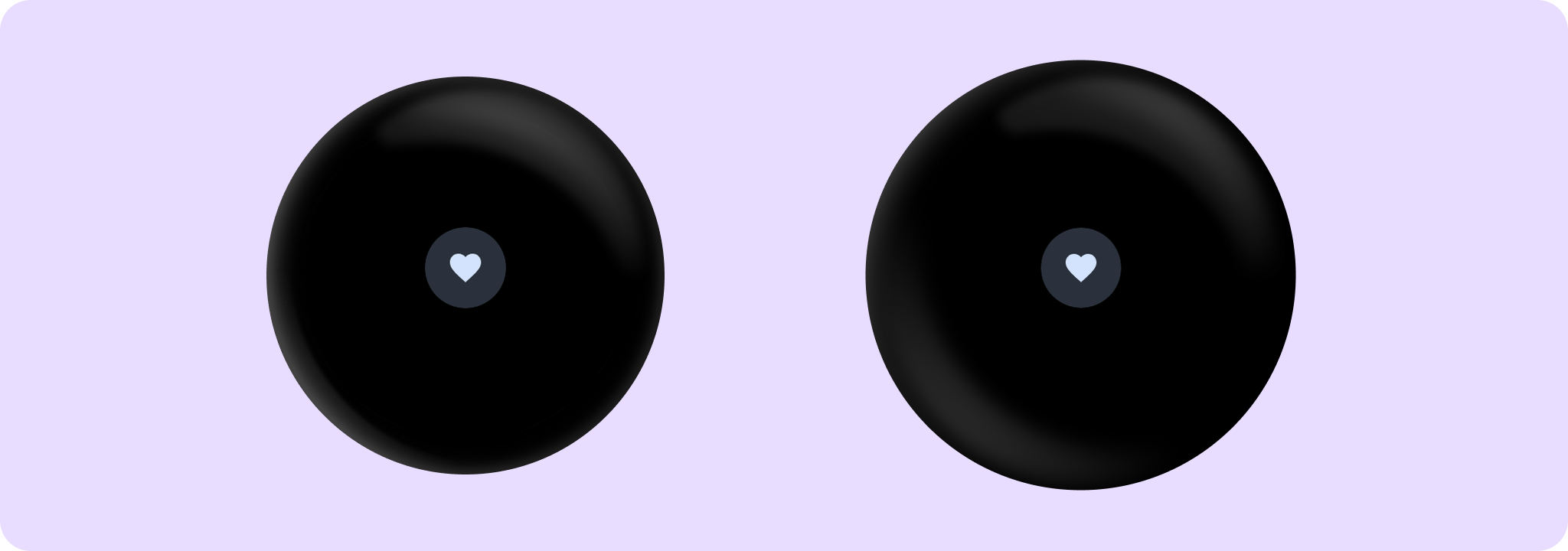
Wear Material FilledTonalIconButton is a circular, icon-only button with a muted, colored background and a contrasting icon color. It offers a single slot to take an icon or image.
Set the size of the FilledTonalIconButton with Modifier.touchTargetAwareSize to ensure that the recommended minimum touch target size is available.
The recommended icon button sizes are IconButtonDefaults.DefaultButtonSize, IconButtonDefaults.LargeButtonSize, IconButtonDefaults.SmallButtonSize and IconButtonDefaults.ExtraSmallButtonSize.
Use IconButtonDefaults.iconSizeFor to determine the icon size for a given IconButtonDefaults size, or refer to icon sizes IconButtonDefaults.SmallIconSize, IconButtonDefaults.DefaultIconSize, IconButtonDefaults.LargeButtonSize directly.
FilledTonalIconButton can be enabled or disabled. A disabled button will not respond to click events.
Example of FilledTonalIconButton:
import androidx.compose.material.icons.Icons
import androidx.compose.material.icons.filled.Favorite
import androidx.wear.compose.material3.FilledTonalIconButton
import androidx.wear.compose.material3.Icon
import androidx.wear.compose.material3.IconButton

FilledTonalIconButton(onClick = { /* Do something */ }) {
    Icon(imageVector = Icons.Filled.Favorite, contentDescription = "Favorite icon")
}
| Parameters | |
|---|---|
onClick: () -> Unit |
Will be called when the user clicks the button. |
modifier: Modifier = Modifier |
Modifier to be applied to the button. |
onLongClick: (() -> Unit)? = null |
Called when this button is long clicked (long-pressed). When this callback is set, |
onLongClickLabel: String? = null |
Semantic / accessibility label for the |
enabled: Boolean = true |
Controls the enabled state of the button. When |
shapes: IconButtonShapes = IconButtonDefaults.shapes() |
Defines the shape for this button. Defaults to a static shape based on |
colors: IconButtonColors = IconButtonDefaults.filledTonalIconButtonColors() |
|
border: BorderStroke? = null |
Optional |
interactionSource: MutableInteractionSource? = null |
an optional hoisted |
content: @Composable BoxScope.() -> Unit |
The content displayed on the icon button, expected to be icon or image. |